

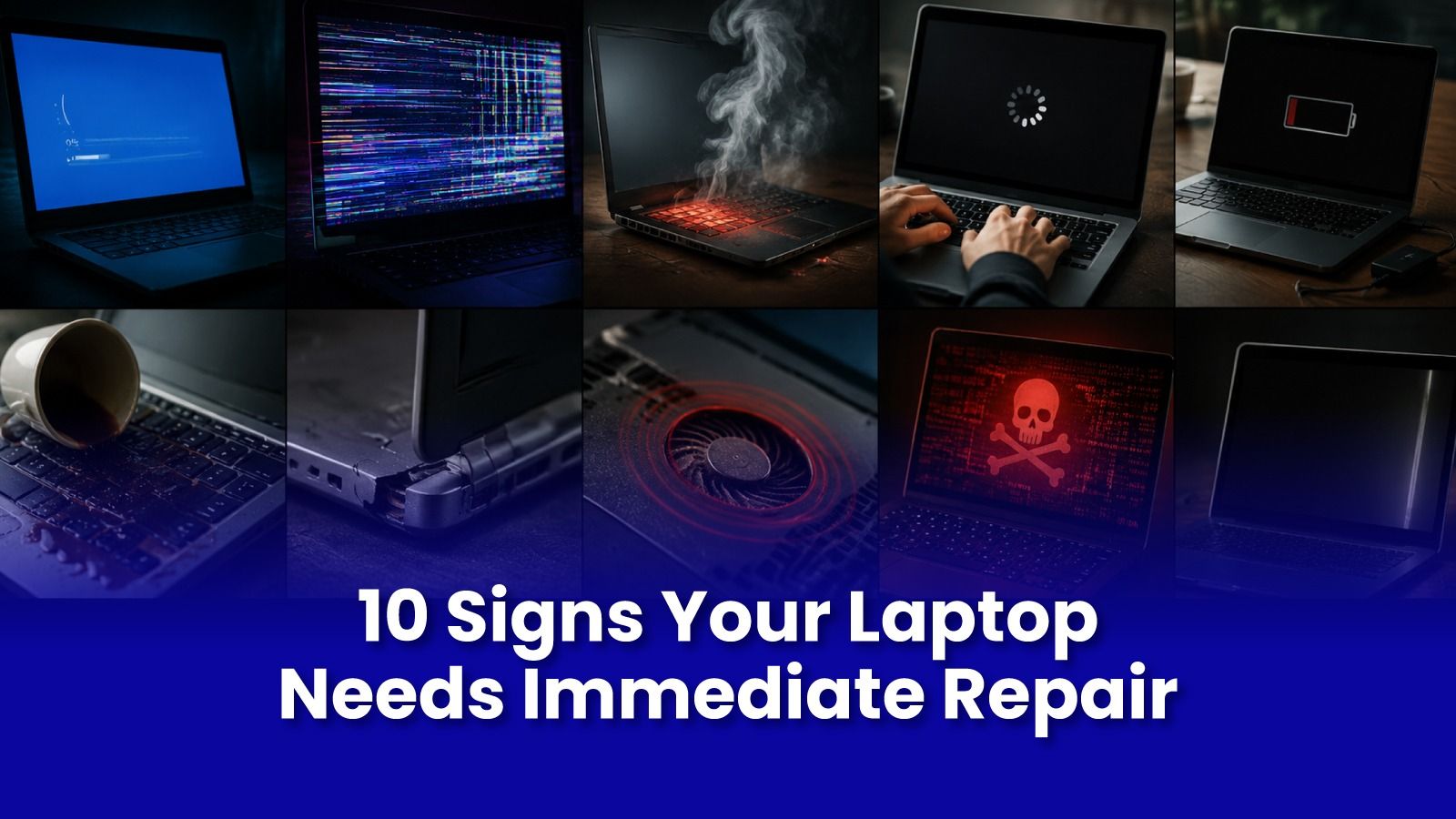
A laptop rarely stops working without warning.
Long before it refuses to turn on, it starts sending small signals slower performance, unusual noises, overheating, random shutdowns, or a battery that suddenly lasts only an hour.
Many people ignore these signs because the laptop is "still working."
Unfortunately, waiting usually turns a small repair into an expensive one.
If you notice any of the signs below, it's time to schedule a professional Laptop Repair in Mumbai before the problem becomes much bigger.
1. Your Laptop Has Become Noticeably Slow
If your laptop now takes several minutes to boot or applications freeze regularly, the issue is often more than just "an old laptop."
Common causes include:
- Failing hard drive or SSD
- Insufficient RAM
- Malware infections
- Operating system corruption
- Background applications consuming resources
A professional diagnosis can determine whether a simple upgrade or repair is enough instead of replacing the entire device.
2. It Overheats Even During Normal Use
Your laptop should become warm not painfully hot.
If the fan constantly runs at full speed or the laptop becomes too hot to comfortably use, internal cooling is no longer working efficiently.
Typical reasons include:
- Dust blocking cooling vents
- Worn-out thermal paste
- Faulty cooling fan
- Heavy background processes
Ignoring overheating can eventually damage the motherboard or processor.
3. The Battery Drains Much Faster Than Before
A laptop that once lasted six hours but now dies within one hour is showing clear signs of battery degradation.
Other symptoms include:
- Battery percentage jumping suddenly
- Laptop shutting down unexpectedly
- Battery swelling
- Charging taking unusually long
Replacing the battery early prevents further damage to internal components.
4. Strange Noises Coming From Inside
Laptops are not supposed to click, grind, or make scraping sounds.
These noises often indicate:
- Hard drive failure
- Damaged cooling fan
- Loose internal components
A failing hard drive can result in permanent data loss if not addressed quickly.
5. Frequent Blue Screens or Random Restarts
Occasional software crashes happen.
Repeated crashes do not.
If your laptop regularly displays error messages, restarts on its own, or freezes during normal work, the issue could involve:
- RAM failure
- Storage problems
- Driver conflicts
- Motherboard faults
Professional diagnosis identifies the actual cause instead of replacing parts unnecessarily.
6. The Screen Flickers or Goes Black
Display issues rarely fix themselves.
Watch for:
- Horizontal lines
- Flickering
- Black screen after startup
- Dead pixels
- Display cutting in and out
The problem may involve the display panel, cable, graphics hardware, or motherboard. Correct diagnosis saves both time and money.
7. Your Laptop No Longer Charges Properly
If you have to hold the charger at a certain angle or charging starts and stops randomly, don't ignore it.
Possible causes include:
- Damaged charging port
- Faulty adapter
- Battery failure
- Motherboard charging circuit issues
Continuing to use a damaged charging port can cause additional electrical damage.
8. Keyboard or Trackpad Stops Responding
Unresponsive keys or an inconsistent trackpad often indicate:
- Liquid damage
- Hardware wear
- Loose internal connections
- Software issues
Early repairs are usually simpler and more affordable than replacing multiple damaged components later.
9. WiFi or Bluetooth Keeps Disconnecting
If every other device works perfectly but your laptop constantly disconnects, the issue may be inside the laptop itself.
Potential reasons include:
- Faulty wireless card
- Driver corruption
- Antenna damage
- Motherboard issues
A qualified technician can quickly isolate the root cause.
10. Your Laptop Doesn't Turn On Reliably
Perhaps the most serious warning sign.
If your laptop:
- Powers on only after multiple attempts
- Gets stuck on the logo screen
- Shows no display
- Doesn't respond at all
you should stop trying repeated restarts.
Each unsuccessful power attempt can worsen hardware damage, especially if storage or motherboard components are already failing.
Why Immediate Repair Saves Money
Many users postpone repairs hoping the problem will disappear.
Unfortunately, hardware problems usually become worse with time.
For example:
- A noisy fan eventually causes overheating.
- Overheating damages the processor and motherboard.
- A weak battery may swell and damage the laptop chassis.
- A failing SSD can result in complete data loss.
Addressing problems early often reduces both repair cost and downtime.
Why Choose Professional Laptop Repair in Mumbai?
Choosing the right repair service matters just as much as repairing the laptop itself.
Look for a provider that offers:
- Background-verified engineers
- Transparent pricing before work begins
- Same-day availability
- Genuine or quality OEM replacement parts
- Warranty on repairs
- Doorstep service where possible
A trusted Laptop Service in Mumbai should prioritise transparency, data privacy, and quality workmanship not just quick fixes.
Get Expert Tech Support in Mumbai Today
Noticed any of these warning signs?
Don't wait until your laptop stops working completely.
Pockit Engineers provides trusted Laptop Repair in Mumbai and Computer Repair in Mumbai with background-verified engineers, transparent pricing, same-day doorstep service, and warranty-backed repairs.
Remote diagnostic starts at ₹299.
Call or WhatsApp: +91 92402 51266
Mon–Sun, 10 AM – 7 PM | Remote Support 24/7
Serving Andheri, Powai, Goregaon, Bandra, Thane & all of Mumbai