

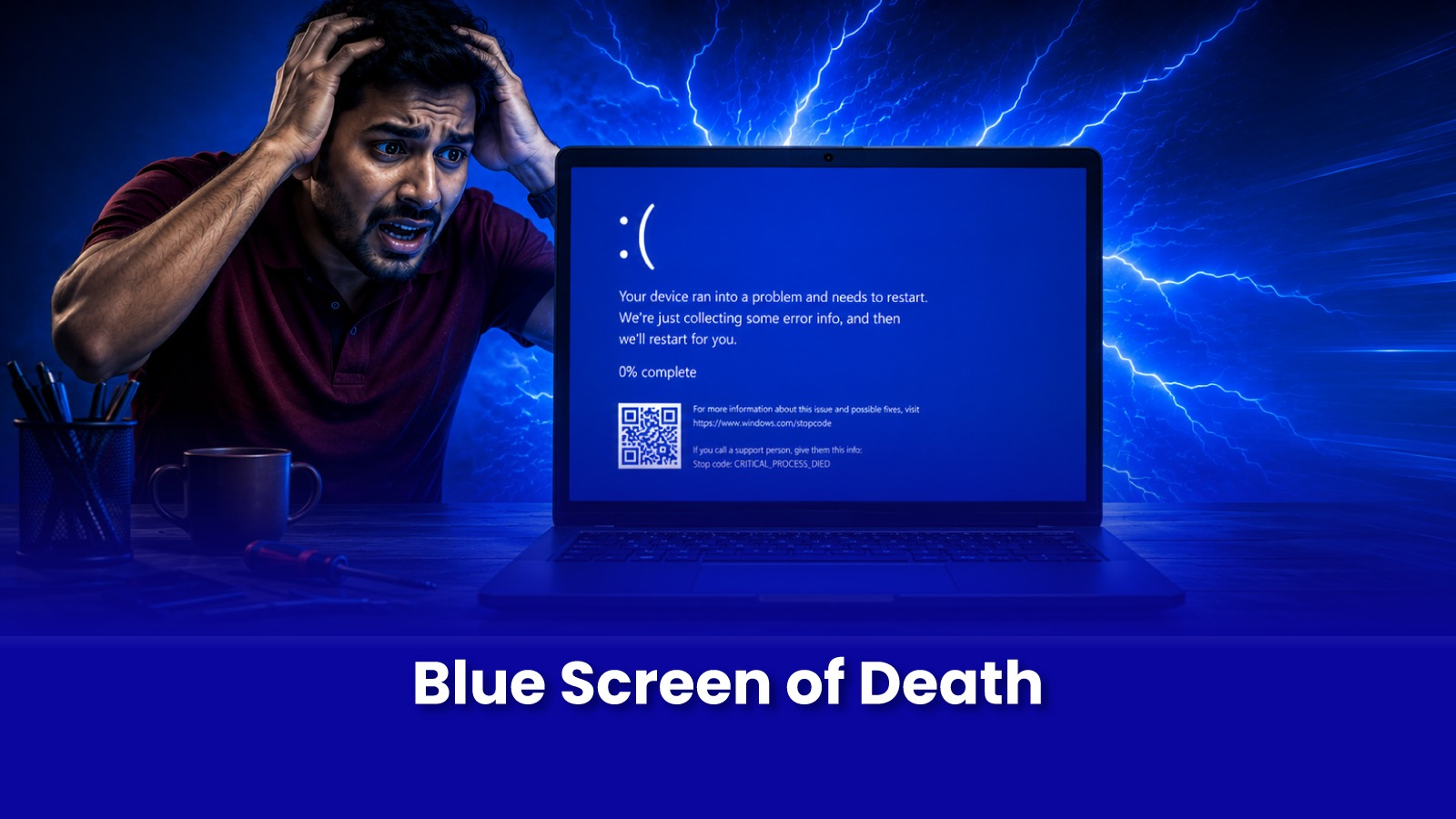
A blue screen looks catastrophic white text, a stop code, a sudden restart. The instinct is either panic or to Google the exact error code, which usually sends you down a rabbit hole of generic forum fixes that may not even apply to your laptop.
Here's what a blue screen actually means, what's usually behind it, and when the fix is a quick repair versus a full, clean reinstall.
What a Blue Screen Actually Means
A BSOD is Windows deliberately stopping itself the moment it detects an error serious enough that continuing could cause deeper damage or data corruption. It is a safety mechanism, not random misbehaviour. The stop code shown like MEMORY_MANAGEMENT, IRQL_NOT_LESS_OR_EQUAL, or CRITICAL_PROCESS_DIED is a genuine pointer to the cause, but only useful when read in the context of when it's happening.
Common Causes, and How Often Each One Is Behind It
- Corrupted system files - often from an interrupted update or improper shutdown; frequent and usually fixable without a full reinstall.
- Faulty or incompatible driver - especially after installing new hardware or a Windows update; identifiable from the specific stop code and which file it references.
- Failing RAM or storage - if BSODs happen randomly regardless of what you're doing, hardware testing is worth doing before assuming it's purely software.
- Malware or a corrupted user profile - less common, but does happen, especially on laptops without updated security software.
Can This Be Fixed Without Reinstalling Everything?
- If BSODs are recent and tied to a specific update or new software or driver, a targeted fix - driver rollback, system file repair, Windows repair install - often resolves it without touching your files.
- If BSODs have been happening for months across multiple unrelated situations, or system file repair fails repeatedly, a clean OS reinstall is usually faster and more reliable than continuing to chase individual causes.
- If hardware - RAM or storage - is confirmed faulty, no OS reinstall fixes it. The hardware needs to be repaired or replaced first.
A Pockit engineer runs hardware checks alongside software diagnostics before recommending a reinstall, because reinstalling Windows on a laptop with a genuinely failing drive just delays the same crash.
What a Doorstep OS Reinstall Involves
- A full backup of your files, photos, and documents before anything is touched.
- Clean installation of Windows or macOS, activated with your existing licence.
- Reinstallation of essential drivers and commonly used software with your input.
- Data restored and verified, and a final stability test running the laptop under normal use for signs of recurrence.
Book a Blue Screen Diagnostic in Mumbai
Fix the Cause, Not Just the Crash
Repeated blue screens with no clear pattern? Get a proper diagnostic before deciding between a quick fix and a full reinstall. Your files stay backed up and safe either way.
Call or WhatsApp: +91 92402 51266
Mon–Sun, 10 AM – 7 PM | Remote support 24/7
Serving Andheri, Powai, Goregaon, Bandra, Thane & all of Mumbai