

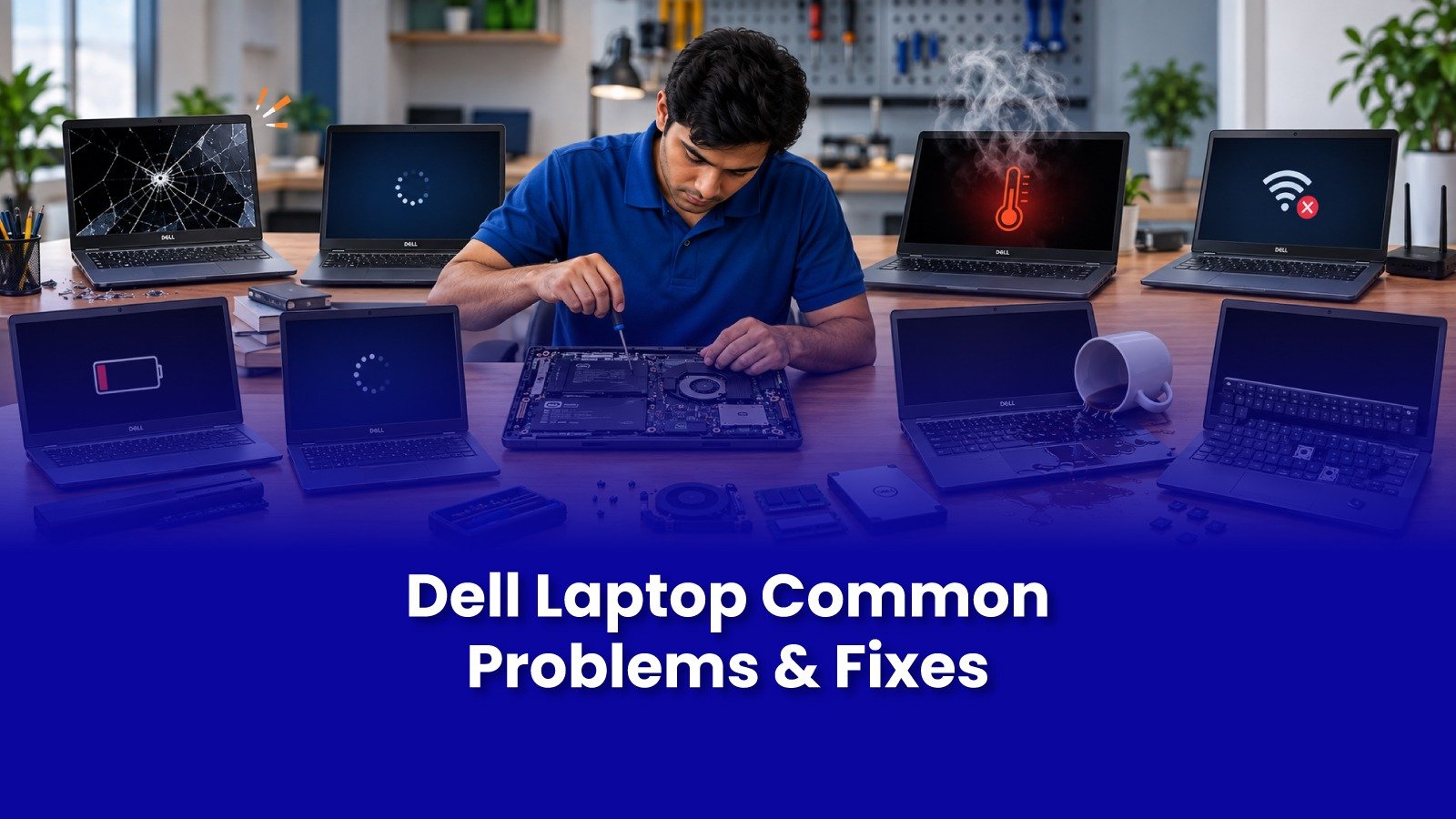
Dell laptops are built to last, which is part of why so many stay in use for five, six, even seven years. But that longevity also means most Dell owners eventually run into a recurring set of issues some tied to age, some to specific models, and some that show up regardless of how carefully the laptop has been used.
This guide covers the problems that come up most often with Dell laptops, what's usually behind them, and when it's worth booking a repair rather than living with the issue.
Why Dell laptop issues follow a predictable pattern
Because Dell sells across such a wide range from budget Inspirons to business-focused Latitudes and XPS ultrabooks the common failure points differ slightly by line, but a few issues show up across nearly all of them. Knowing which category a problem falls into makes it much easier to know whether it's a quick fix or something that needs a technician.
Common Dell laptop problems
Overheating and loud fan noise
Dust buildup in the cooling vents is the most frequent cause, especially on laptops that are a few years old and have never been cleaned internally. As dust accumulates, the fan works harder and louder to compensate, and in worse cases, the laptop throttles performance or shuts down under load to protect itself.
Battery draining fast or not charging
Dell batteries typically hold up well for two to three years before capacity starts dropping noticeably. A battery that drains within an hour of a full charge, or one that shows a "plugged in, not charging" message, usually needs replacement rather than a software fix, though it's worth ruling out a faulty charger first.
Laptop not turning on
This can stem from a battery issue, a faulty charging port, a RAM or storage fault, or in rarer cases, a motherboard problem. Because these all present the same way a black screen and no response a proper diagnostic is the fastest way to identify the actual cause rather than guessing.
Blue screen errors (BSOD)
Blue screen crashes are usually tied to a driver conflict, a failing RAM stick, or storage drive errors, and they tend to get more frequent over time rather than appearing once and stopping. Running a memory and disk check narrows down the cause, but recurring blue screens are a sign the laptop needs attention rather than repeated restarts.
Screen flickering or display issues
A flickering screen is often a loose display cable connection, particularly on laptops that have been opened and closed thousands of times, which gradually wears the hinge cable. It can also point to a failing graphics component, which is a more involved repair.
Slow performance over time
A laptop that used to boot quickly and now takes minutes often has a nearly-full hard drive, too many startup programs, or in older models, a traditional hard drive that would benefit from an SSD upgrade. This is one of the more satisfying fixes, since an SSD swap can make an old Dell laptop feel close to new for a fraction of the cost of replacement.
Keyboard or trackpad not responding
Spilled liquid, a loose internal connector, or driver issues are the usual suspects. A keyboard that's stopped working entirely, rather than just a few keys, more often points to a connector or liquid issue than a software problem.
What to check before booking a repair
A few checks rule out the simplest causes. Restarting the laptop fully, rather than just closing the lid, clears many software-related freezes. Checking whether the charging cable and adapter work with a different laptop rules out a charger fault. And running Windows' built-in memory diagnostic tool can flag a failing RAM stick before it causes further issues.
When to get professional Dell laptop repair
Overheating that doesn't improve after cleaning the vents, batteries that drain within an hour, and any liquid spill should go to a technician rather than continued troubleshooting. Recurring blue screens, a laptop that won't turn on at all, or a screen with visible physical damage also need a proper diagnostic, since continuing to use the laptop in these states risks losing data or causing further damage.
For anyone in Andheri, Powai, or Goregaon, same-day laptop repair means these issues don't have to sit unresolved for days, particularly for anyone relying on the laptop for work.
What happens during a Dell laptop repair visit
A technician typically starts with a diagnostic covering battery health, thermal performance, storage health, and RAM, which usually surfaces the root cause within the visit. From there, straightforward fixes like a battery replacement, internal cleaning, or an SSD upgrade can often be completed the same day, while motherboard or screen replacements may need a part ordered in first.