

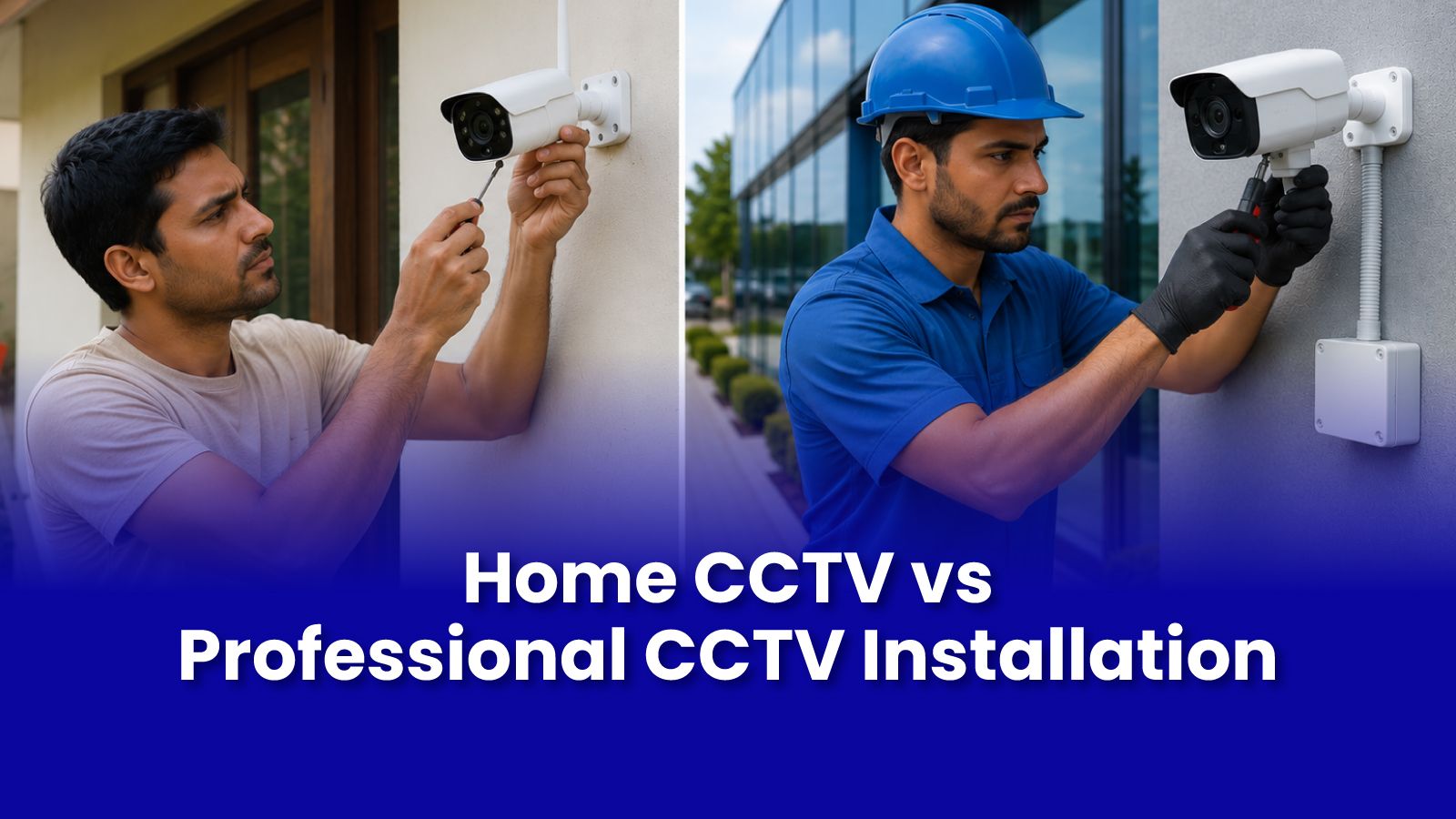
You can buy an IP camera for Rs.1500 on Amazon and plug it in yourself. You can also have a professional install it correctly. The gap between those two outcomes is wider than the price difference suggests.
What DIY Home CCTV Gets Right and Where It Falls Short
A single indoor wireless IP camera pointing at the front door: this is genuinely manageable DIY. The app works. The setup is straightforward. This is what the product is designed for.
But beyond that, the complexity escalates quickly:
- Cable routing for outdoor or multi-room setups requires planning, tools, and wall or conduit work that most households are not equipped to do cleanly.
- Outdoor cameras need weatherproofing, conduit protection for cables, and careful placement to avoid backlight and blind spot issues.
- NVR setup, port forwarding, and DDNS configuration for remote access fails for the majority of DIY installations the router and network configuration required is non-trivial.
- Storage reliability: SD cards fail. Cloud subscriptions cost money monthly. An NVR with a proper hard drive is the most reliable long-term solution but requires professional setup.
What a Professional CCTV Installation Covers
- Site survey - the engineer identifies blind spots, optimal camera positions, and entry points that are most commonly missed in self-installs.
- Cable management - concealed wiring through walls or neat conduit runs rather than cables draped across surfaces.
- Power continuity - UPS integration so cameras continue recording during power outages, which matter most during security incidents.
- NVR setup and remote access configuration - correctly set up so you can view footage from your phone from anywhere.
- Full testing - every camera angle verified, night vision tested, motion detection zones configured.
Camera Placement: The Biggest DIY Mistake
Most self-installed cameras are mounted in the wrong position. Too high renders faces unidentifiable. Wrong angle misses the actual entry point. Backlighting from a window makes the camera effectively useless during daylight hours.
A professional installation starts with a coverage map what needs to be seen, from what angle, at what time of day before a single camera is mounted.
Remote Access: How to Actually View Your CCTV from Anywhere
This is where most DIY setups fail permanently. Remote viewing via a phone app requires the NVR or camera to be accessible from outside your home network. This involves port forwarding on your router and either a static IP from your ISP or a dynamic DNS service configuration that requires network knowledge most ISP-provided router admin interfaces do not make intuitive.
Pockit engineers configure remote access as part of every CCTV installation. You leave with a working app on your phone, not a setup you will troubleshoot for weeks.
Get Expert Tech Support in Mumbai Today
Skip the DIY guesswork. A Pockit engineer handles camera placement, cabling, NVR setup, and remote access done right the first time. Site consultation and quote before any work begins.
Call or WhatsApp: +91 92402 51266
Mon–Sun, 10 AM – 7 PM | Remote support 24/7
Serving Andheri, Powai, Goregaon, Bandra, Thane & all of Mumbai