

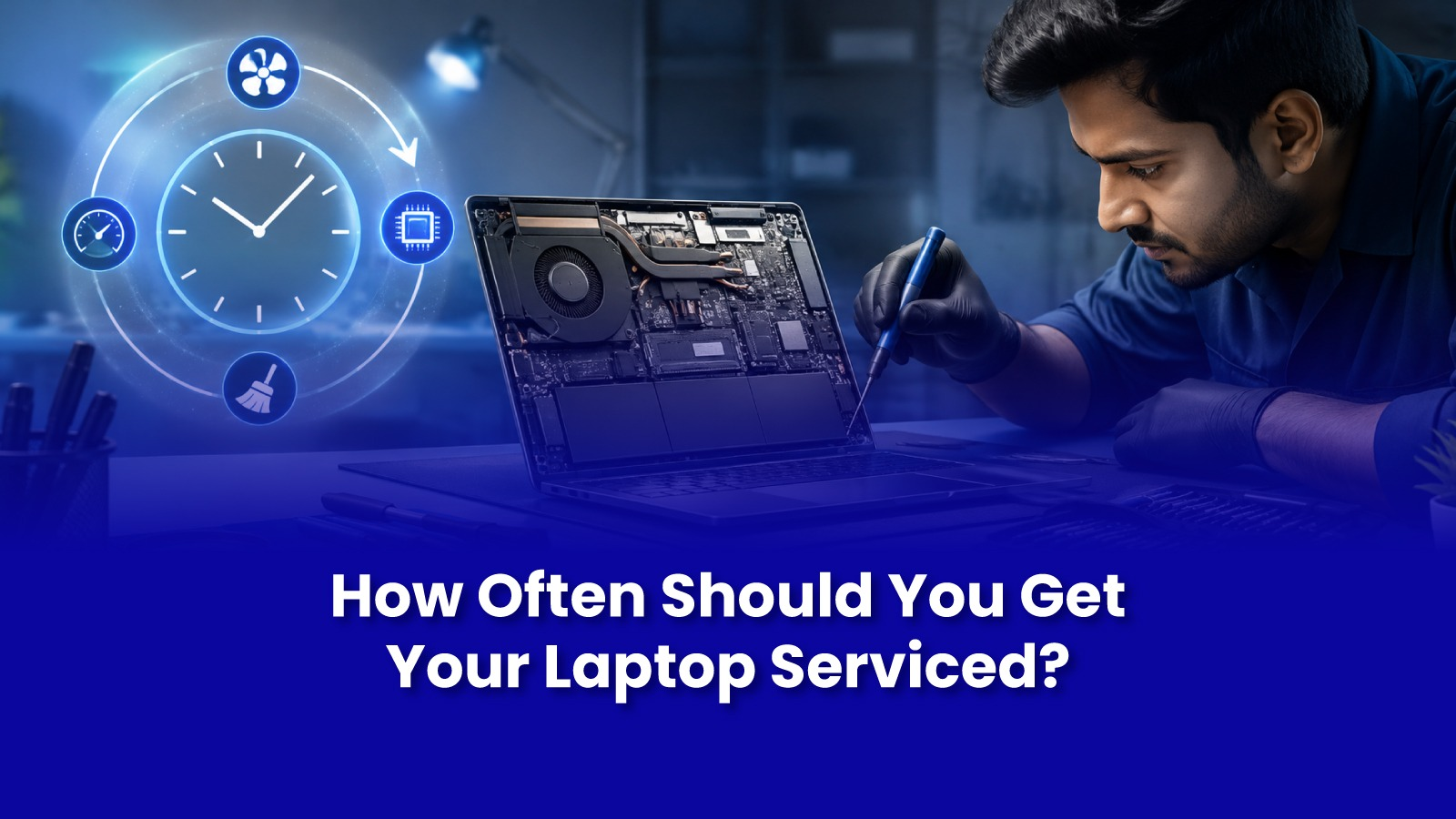
Most people only think about laptop servicing after a shutdown, a jam, or a crash. But by the time a laptop shows a clear symptom, the underlying wear dust, thermal paste, battery cycles has usually been building for months.
A simple, realistic maintenance rhythm catches most of this before it turns into an expensive repair.
Why Indian Conditions Make This More Important, Not Less
- Dust and airborne particulate levels in most Indian cities are meaningfully higher than the conditions laptops are designed and tested for.
- Humidity during monsoon accelerates corrosion on exposed contacts, ports, and connectors.
- Summer heat in non-air-conditioned rooms pushes internal temperatures higher for longer, accelerating thermal paste degradation and battery wear.
- Frequent power fluctuations, even with a laptop's battery buffering it, add stress to charging circuits over time.
A Realistic Maintenance Schedule
- Every 3-4 months - external clean of vents, keyboard, and ports; check for unusual fan noise or heat during normal use.
- Every 6-8 months - internal clean of fan and heatsink to clear accumulated dust, especially before and after monsoon season.
- Every 12-18 months - thermal paste check and reapplication if the laptop runs noticeably hotter than when new.
- Every 18-24 months - battery health check (cycle count and capacity), storage health check (SMART data), and a driver and OS update audit.
This isn't a fixed rule for every laptop usage intensity matters. A laptop running video calls and multiple apps for 8+ hours daily needs this cadence tightened; one used lightly for a few hours a day can stretch these intervals somewhat.
What a Pockit Maintenance Visit Actually Covers
- A full internal clean fans, heatsink, vents, and keyboard.
- Battery and storage health report with real numbers, not guesswork.
- Driver and OS update check to close any known compatibility issues.
- A plain-language summary of anything worth watching before it becomes a repair.
A single maintenance visit typically costs less than any one of the repairs it's designed to prevent an overheating shutdown repair, battery replacement, or a failed storage drive.
Signs You've Waited Too Long
If the laptop is noticeably louder or hotter than it used to be, if boot time has crept up gradually over months, or if it's been more than 18 months since anyone opened it up to clean it internally, it's already due. The fixes covered in our overheating, battery, and slow-storage guides are usually what's waiting on the other side of a skipped maintenance schedule.
Book a Laptop Maintenance Visit in Mumbai
Catch Problems Before They Become Repairs
Internal cleaning, battery and storage health checks, and driver updates all at your doorstep. Book a maintenance visit before the next repair finds you first.
Call or WhatsApp: +91 92402 51266
Mon–Sun, 10 AM – 7 PM | Remote support 24/7
Serving Andheri, Powai, Goregaon, Bandra, Thane & all of Mumbai