

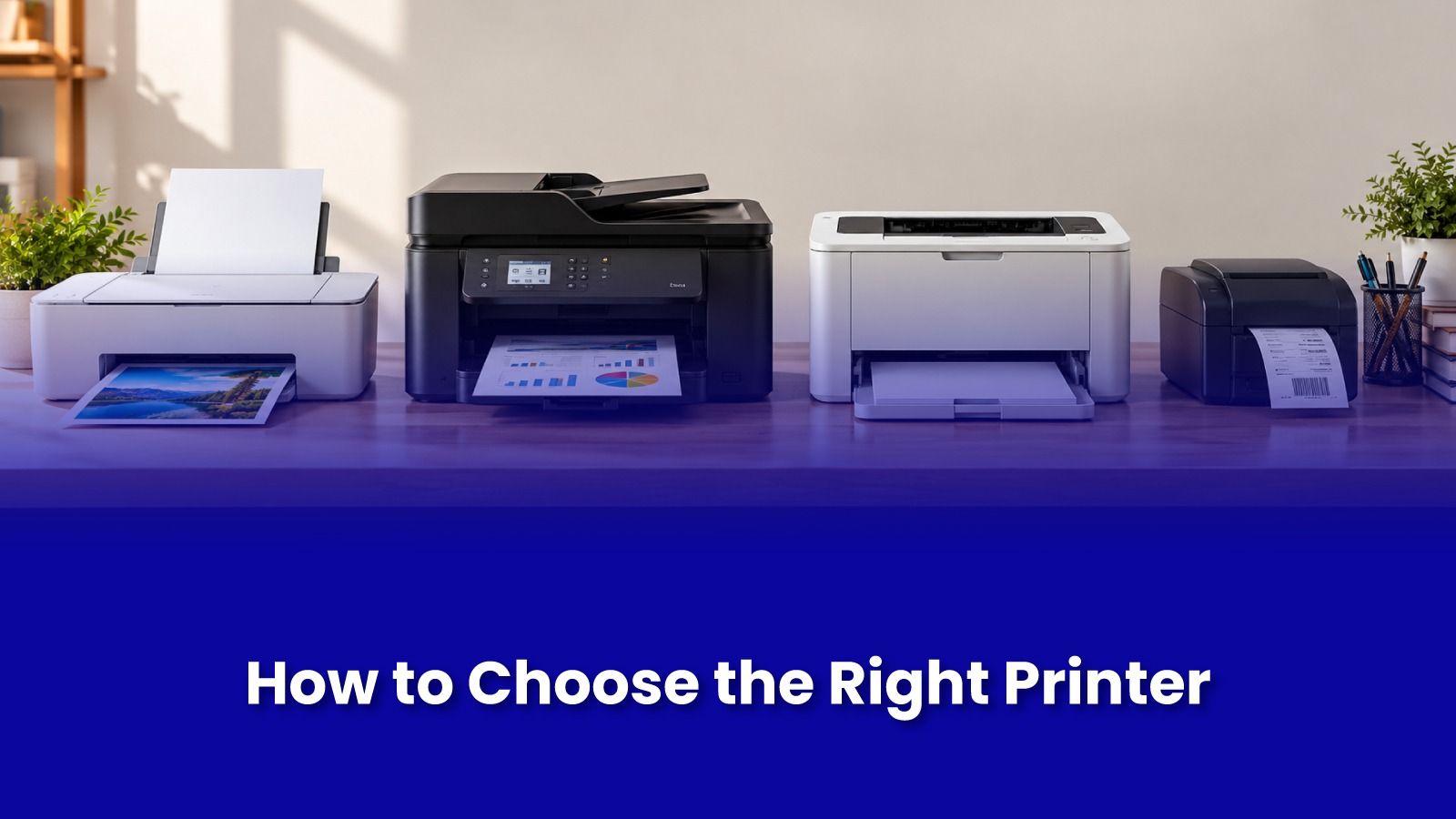
How to Choose the Right Printer for Your Home or Small Office
Most people choose a printer based on the price tag in the shop. A few months later, they realise the cheap printer is the expensive one, because the cartridges cost almost as much as the machine. Or they buy a large office printer for a home that prints ten pages a month, and the ink dries up between uses.
The right printer is not the best printer on paper. It is the one that matches how much you print, what you print, and how often. This guide breaks it down simply, so you can buy once and avoid frequent trips to a printer service center later.
Start with three questions
How many pages do you print in a month? Ten pages for school projects is very different from 800 pages of invoices.
Do you need colour, or mostly black and white? Many offices print 90 percent black text but buy a colour printer anyway.
How often do you print? Daily printing and printing once a month need very different technology.
Keep your answers in mind as you go through the printer types below.
The main printer types, explained
Cartridge inkjet printers
These are the most affordable to buy and the most expensive to run. Ink cartridges hold a small amount of ink, so the cost per page is high. They are fine for very light use, like a few pages a month, but they come with one big drawback: if you do not print for a few weeks, the ink can dry in the print head, leading to streaks, faded prints, or blocked nozzles.
Best for: very occasional home printing where upfront cost matters most.
Ink tank printers
Ink tank printers have large refillable tanks instead of cartridges. You pour ink from bottles, and one set can last thousands of pages. The printer costs more upfront, but the running cost is very low. Most major brands, including Epson, Canon, HP, and Brother, sell ink tank models in India, and they have become the default choice for many homes.
They still prefer regular use. Printing a page or two every week keeps the ink flowing and the print head healthy.
Best for: families with school-going children, work from home users, and small offices that print a mix of colour and black and white regularly.
Monochrome laser printers
Laser printers use toner powder instead of liquid ink, so nothing dries out even if you do not print for weeks. They are fast, produce sharp text, and have a low cost per page for black and white printing. The limitation is that they only print in black.
Best for: offices printing invoices, letters, and documents in volume, and homes that print text occasionally but want zero maintenance worries.
Colour laser printers
These handle colour in volume, such as brochures, reports with charts, and presentations. They cost more to buy and to refill, since you need four toners instead of one. Most small offices do not need one unless colour printing is a regular, high-volume part of the business.
Best for: offices that print a lot of colour marketing or presentation material.
Features that actually matter
All-in-one (print, scan, copy)
For most homes and small offices, an all-in-one printer is worth it. Scanning documents for KYC, admission forms, visa applications, and office records comes up more often than people expect.
Automatic document feeder (ADF)
An ADF lets you scan or copy a stack of pages without placing them one by one. For an office that scans contracts or bills regularly, this saves real time every day.
Auto duplex printing
Duplex means the printer prints on both sides of the page automatically. It cuts paper use and makes printed documents easier to handle. Useful for offices and students printing long assignments.
Connectivity
Wi-Fi printing lets everyone in the house or office print from laptops and phones without cables. For offices, a printer with an Ethernet port is more stable than Wi-Fi when several people print at once. Check that the printer has a proper mobile app if you print from your phone often.
Recommended monthly volume
Look for the recommended monthly page volume in the specifications, not just the maximum duty cycle. The maximum is what the printer can survive. The recommended figure is what it is built to handle comfortably day after day. Buying a printer that is constantly pushed beyond its recommended volume shortens its life.
Quick recommendations by situation
Student printing assignments and project work every week: a colour ink tank all-in-one.
Work from home professional printing mostly documents: a monochrome laser, or an ink tank if colour is needed sometimes.
Home that prints only a few times a year: a monochrome laser, since toner does not dry out.
Small office printing invoices and records daily: a monochrome laser all-in-one with ADF, duplex, and Ethernet.
Small office with regular colour needs: a business ink tank or a colour laser, depending on volume.
A Mumbai-specific tip: humidity and paper
Many printer jams in Mumbai are not caused by the printer at all. During the monsoon, paper absorbs moisture from the air, curls slightly, and sticks together, which leads to jams and multiple sheets feeding at once. Store paper in its sealed pack or a closed drawer, load only what you need, and keep the printer away from windows and AC vents where moisture or condensation can reach it.
Common buying mistakes to avoid
Buying on machine price alone without checking the cost of ink or toner.
Buying a cartridge inkjet for a home that prints once a month and then dealing with dried print heads.
Using non-genuine or poor-quality ink and toner to save money. Cheap refills can clog print heads, leak, or damage the drum, leading to repairs that cost more than you saved.
Ignoring after-sales support. Before you buy, check that ink, toner, and spare parts for that model are easy to find in your city.
Setup, maintenance, and printer repair in Mumbai
Even the right printer needs the right setup. Wi-Fi connection, drivers on every laptop, mobile printing, and sharing on an office network are where most people get stuck on day one. Later, regular use brings its own issues like paper jams, worn rollers, blocked print heads, and connection drops.
Pockit Engineers offers doorstep printer setup and printer repair across Mumbai. Instead of carrying a printer to a printer service center, a verified technician comes to your home or office, diagnoses the problem, and fixes it on site wherever possible, with the price shared before the work begins.