

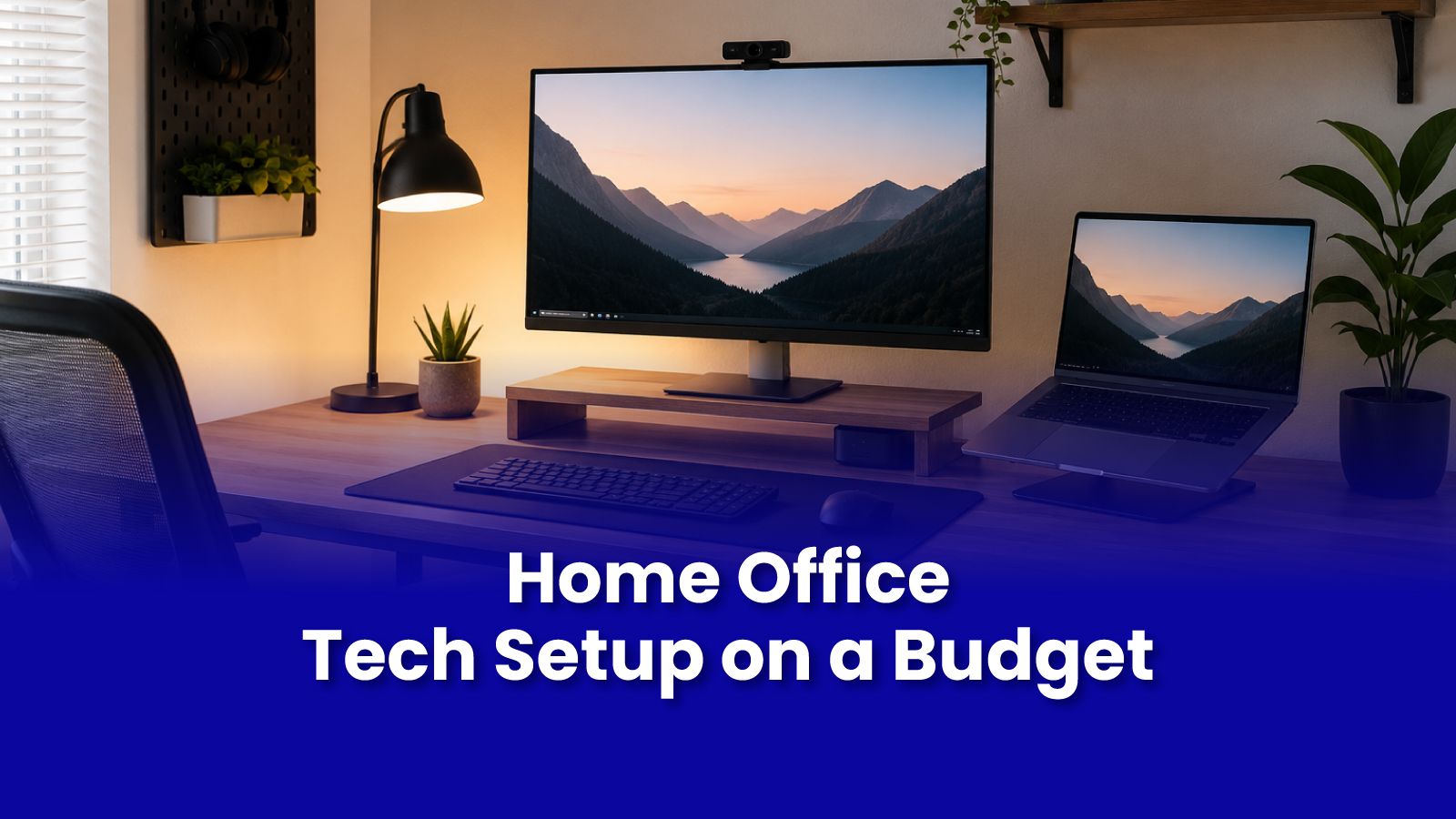
You do not need the most expensive monitor or a standing desk from a premium brand. You need a setup that works reliably, looks professional on camera, and does not hurt your back after six hours. Here is how to build exactly that without overspending.
The Non-Negotiables: What to Get Right First
Before buying any peripheral or accessory, get these three things right:
- Stable internet - a wired ethernet connection from your router to your work desk eliminates the most common cause of video call drops and buffering. A network switch costs Rs.800-1200 and splits one ethernet port into four.
- Reliable power backup - a UPS rated for your laptop and monitor keeps you running through the short power cuts that happen regularly in Mumbai. Size matters: check the wattage of your devices and buy a UPS rated for at least 150 percent of that combined load.
- A working, healthy laptop - everything else is secondary if the laptop itself is unreliable. If it overheats, crashes, or has a failing battery, fix that first.
The Budget Monitor Setup
A 21-24 inch 1080p IPS monitor in the Rs.8000-14000 range gives your eyes a significant break compared to a 13-15 inch laptop screen. Look for IPS over TN the viewing angle and colour accuracy difference is real.
- Position the top of the monitor at eye level a stack of books works as a riser until you can invest in a proper one.
- Enable night mode or a blue light filter in your monitor settings for evening work sessions.
- Connecting your laptop to a monitor via HDMI is straightforward. If your laptop only has USB-C outputs, a USB-C to HDMI adapter costs Rs.400-600.
Audio and Video: What Matters for Indian WFH Calls
Most laptop webcams are adequate for internal calls. If you are on client-facing calls or video presentations, a Rs.3000-5000 external webcam makes a visible difference in perceived professionalism.
- Microphone: a Rs.1500-2000 USB microphone delivers dramatically better audio quality than any laptop mic. Your colleagues' experience of your calls improves immediately.
- Headset: a simple over-ear headset with a boom mic positioned near your mouth captures your voice clearly and reduces the room echo that laptop mics pick up.
- Lighting: a Rs.500-800 ring light or an LED desk lamp positioned in front of you (not behind) is the single cheapest improvement to how you appear on camera.
WiFi Setup for WFH: The One Area Not to Cut Corners
If your router is in the living room and your work desk is in the bedroom, you are working on a weaker signal than you should be. Options in order of effectiveness:
- Ethernet cable run to your desk - the best option. Stable, fast, zero latency variation.
- Mesh node placed midway between router and work desk - solves dead zone without cable running.
- WiFi extender - works for basic usage but halves bandwidth and can cause call instability.
When to Call a Pockit Engineer for Your WFH Setup
Call a Pockit engineer when you need ethernet cabling run to a room, when your WiFi is unstable and you need it diagnosed properly, or when you want a multi-peripheral setup (monitor, printer, external storage, webcam) configured correctly so everything works without ongoing troubleshooting.
Get Expert Tech Support in Mumbai Today
Need your WFH setup configured properly? WiFi, ethernet, monitor, printer, peripherals a Pockit engineer handles it all at your doorstep. Starts at Rs.299.
Call or WhatsApp: +91 92402 51266
Mon–Sun, 10 AM – 7 PM | Remote support 24/7
Serving Andheri, Powai, Goregaon, Bandra, Thane & all of Mumbai