

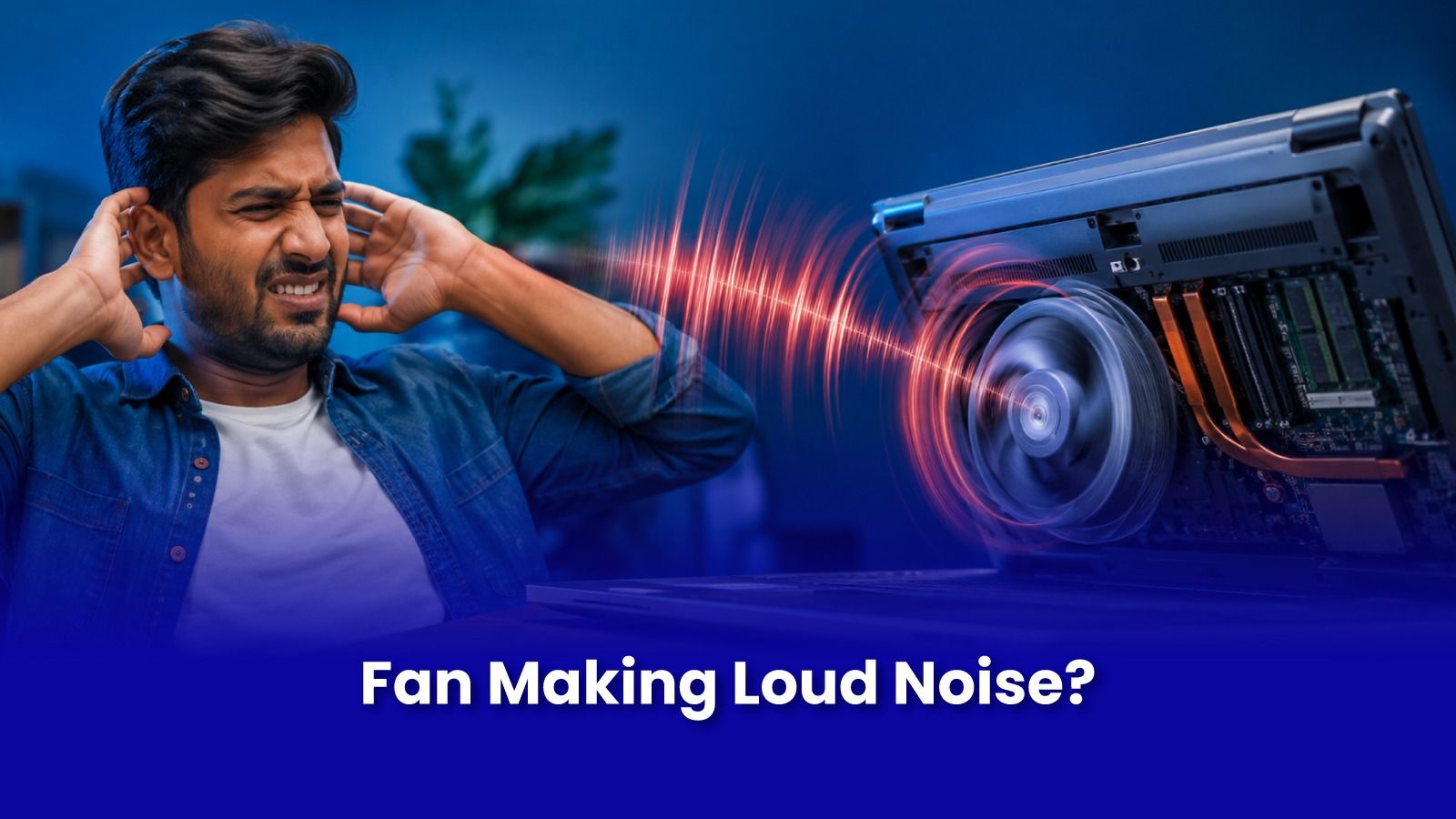
Fan noise gets dismissed as normal until it changes character. A constant whir under load is expected. A new grinding, rattling, or whining sound is the fan telling you something specific is wrong.
Here's how to match the exact sound to the cause, and why it's worth acting on before it turns into an overheating problem.
Match the Sound to the Cause
- Grinding or scraping - usually dust or a small object caught in the fan blades, or worn bearings inside the fan motor.
- Rattling only during startup or shutdown - often a loose fan housing, or a blade that has warped slightly and catches on the casing.
- High-pitched whining that gets louder under load - bearing wear in the fan motor itself, typically after 3+ years of continuous use.
- Constant loud whirring even during light tasks like browsing - points to dust-blocked vents forcing the fan to run at maximum speed constantly, not a fan fault itself.
Why This Shouldn't Be Ignored
A fan under strain whether from dust, debris, or worn bearings - is less effective at moving heat away from the processor, even while it sounds like it's working harder than ever. Left long enough, this leads directly into the shutdown and thermal throttling problems covered in our overheating guide. A rattling or grinding fan today is often the overheating complaint you'll have in a few weeks if it's not addressed.
What Doorstep Fan Repair Involves
- Diagnostic listening test and internal inspection to identify whether it's debris, dust, or bearing wear.
- A full clean of the fan assembly and heatsink if the cause is dust or debris -often resolves the noise completely.
- Fan replacement if the noise is from worn bearings or the blade itself has physical damage.
- Thermal paste check and reapplication at the same time, since the laptop is already open for the fan work.
Cleaning-related fixes are budget-friendly; fan replacement cost depends on the laptop model, confirmed after inspection.
Book Laptop Fan Repair in Mumbai
Quiet It Down Before It Overheats
Grinding, rattling, or constantly loud fan? Get it inspected and fixed before it turns into a shutdown problem. Diagnostic and cleaning start at a budget-friendly rate.
Call or WhatsApp: +91 92402 51266
Mon–Sun, 10 AM – 7 PM | Remote support 24/7
Serving Andheri, Powai, Goregaon, Bandra, Thane & all of Mumbai