

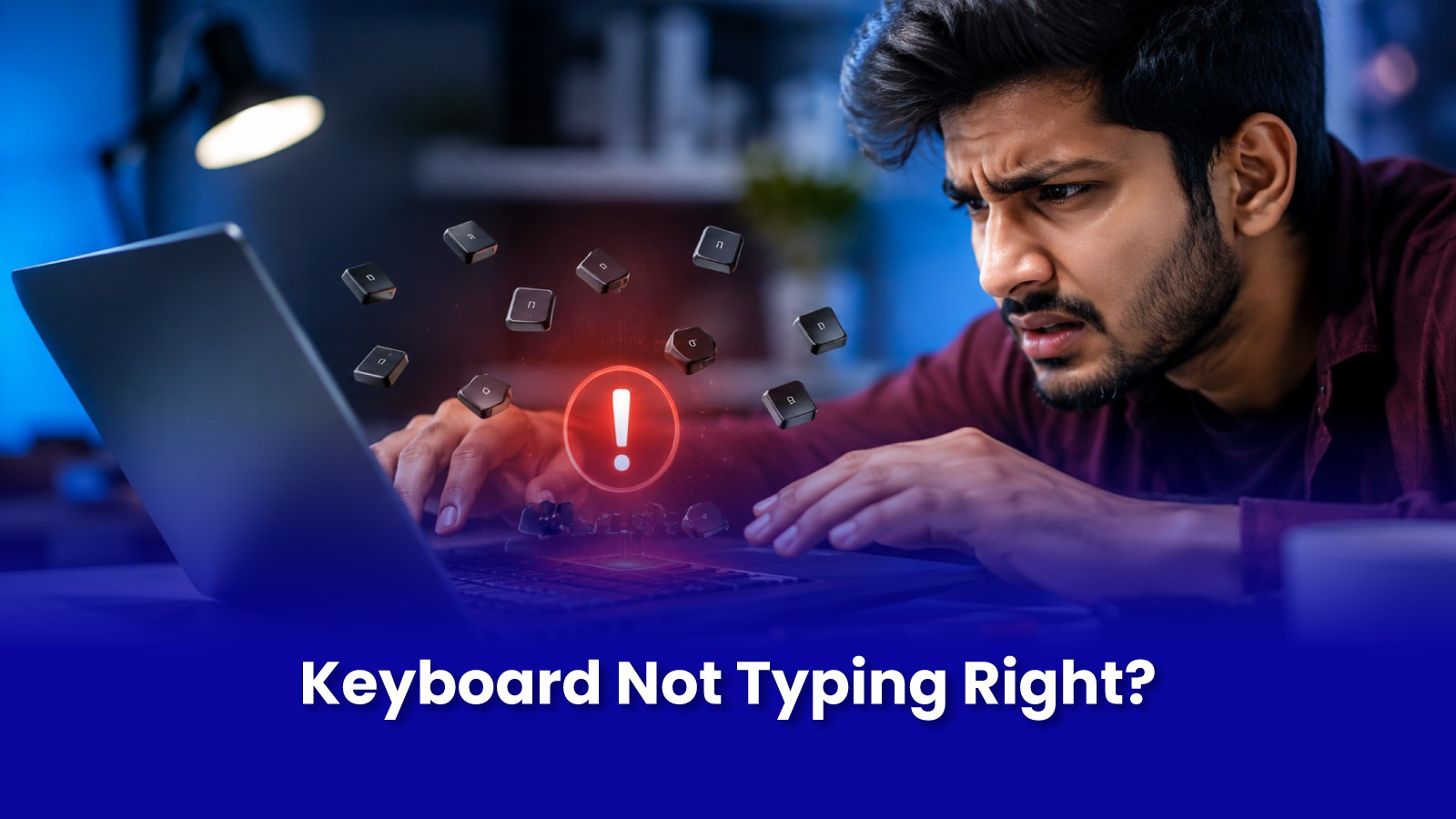
A chai spill, a few years of crumbs, or just heavy daily use a keyboard that behaves oddly is one of the most common laptop issues, and also one of the most ignored, because people quietly work around it instead of fixing it.
The specific way your keyboard is misbehaving usually points clearly to what's actually wrong underneath.
Match the Symptom to the Cause
- One or two keys completely dead - usually debris or a small liquid residue under that specific key, not a full keyboard fault.
- Keys typing twice or repeating - a worn key switch membrane underneath, common on keys used most, like space, E, or A, after years of typing.
- Whole rows or sections unresponsive - often a ribbon cable connection issue inside, not the keys themselves.
- Sticky or slow-to-respond keys - dried liquid residue from tea, coffee, or sugary drinks under the keycaps, gumming up the mechanism.
What Not to Do
- Do not pour water or use excessive liquid cleaner to try to "flush out" a spill - this pushes residue deeper and risks the motherboard beneath the keyboard.
- Do not pry off keycaps with sharp tools if you're not familiar with your model's specific mechanism - scissor-switch keyboards are easy to damage this way.
- Do not ignore a spill just because the laptop still turns on - sugary residue continues to corrode contacts for weeks after the spill dried.
What Doorstep Keyboard Repair Involves
- Diagnostic to confirm whether the issue is isolated keys, a ribbon connection, or spill residue.
- Individual key or switch repair where possible - often cheaper than a full keyboard replacement.
- Full keyboard replacement if damage is widespread or the ribbon cable is affected.
- Cleaning of the area beneath the keyboard if liquid residue is present, checked against the motherboard for any spread.
Isolated key repairs are inexpensive; a full keyboard replacement is quoted after inspection and depends on the laptop model.
Book Laptop Keyboard Repair in Mumbai
Stop Working Around a Broken Keyboard
Dead keys, repeating letters, or a sticky keyboard from an old spill? Get it properly diagnosed and repaired at your doorstep instead of avoiding certain letters.
Call or WhatsApp: +91 92402 51266
Mon–Sun, 10 AM – 7 PM | Remote support 24/7
Serving Andheri, Powai, Goregaon, Bandra, Thane & all of Mumbai