

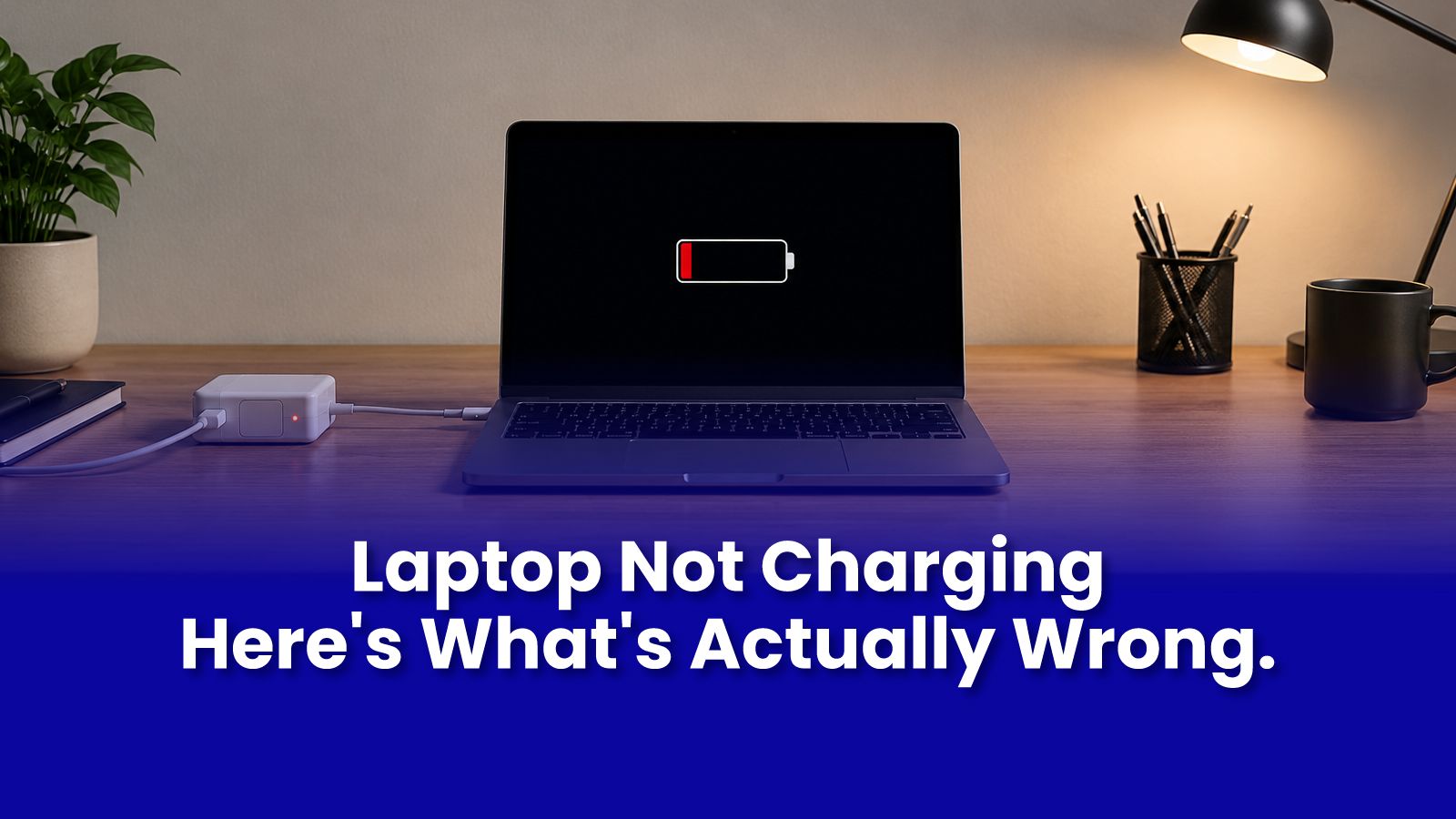
You plug in the charger. Nothing happens. Or the battery percentage stops at 40 and refuses to go higher. Or it only charges when the cable is held at a specific angle. Each of these is a different problem with a different fix and most of them do not require the replacement part you might be about to buy.
The Most Common Reasons a Laptop Will Not Charge
- Faulty charger or cable - the most common cause and the cheapest fix. Test with another charger of the same wattage and connector type before assuming anything else is wrong.
- Charging port damage - bent pins, debris inside the port, or a physically loose connection from wear. Visible when you look into the port with a light.
- Battery calibration issue - not a hardware fault. Some laptops stop charging at 80 or 100 percent due to battery management settings, not because the battery or charger is faulty.
- Dead battery cell - the battery physically cannot hold charge. It may show 100 percent but drain to zero in minutes, or simply not register at all.
- Power IC or charging circuit fault on the motherboard - less common but possible, especially after liquid exposure or a voltage surge.
How to Tell What Is Actually Wrong
Work through this in order before assuming you need a new battery or port:
- Test with another charger of the same spec. If the laptop charges with a different charger, the problem is your original charger not the laptop.
- Check the charging port with a torch. Debris, bent pins, or visible physical damage are often clearly visible.
- Check if the laptop charges in BIOS mode restart and enter BIOS (usually F2 or Delete on startup). If the battery charges in BIOS but not in Windows, the fault is software or driver-related.
- Battery percentage stuck at exactly 0 and not moving is different from battery percentage not appearing at all. The former often indicates a calibration issue. The latter may indicate the battery is not being detected.
MacBook Charging Problems: Different Causes
MacBook charging faults follow a different pattern than Windows laptops:
- MagSafe connector debris - the magnetic surface accumulates metal particles. Clean gently with a dry cloth.
- USB-C port damage - common on M1 and M2 MacBooks that charge via USB-C. Multiple ports means you can test with a different port.
- SMC reset - resolves many charging detection and battery percentage display issues on Intel MacBooks. Search Apple's support site for your specific model's SMC reset process.
- Liquid damage to the charging board - if the issue developed after any liquid exposure near the laptop, this is the first suspect.
What You Should NOT Do
- Do not force a charger with the wrong wattage or connector type into your laptop. This can damage the charging circuit.
- Do not keep using a laptop with a visibly swollen battery. A swollen battery is a safety risk it can rupture or leak.
- Do not attempt to remove a built-in swollen battery yourself. Book a professional immediately.
Book a Laptop Charging Repair in Mumbai
Get Expert Tech Support in Mumbai Today
Laptop not charging? Get the actual cause diagnosed before buying a part you may not need. Remote diagnostic starts at Rs.299. On-site charging port and battery repair available same day across Mumbai.
Call or WhatsApp: +91 92402 51266
Mon–Sun, 10 AM – 7 PM | Remote support 24/7
Serving Andheri, Powai, Goregaon, Bandra, Thane & all of Mumbai