

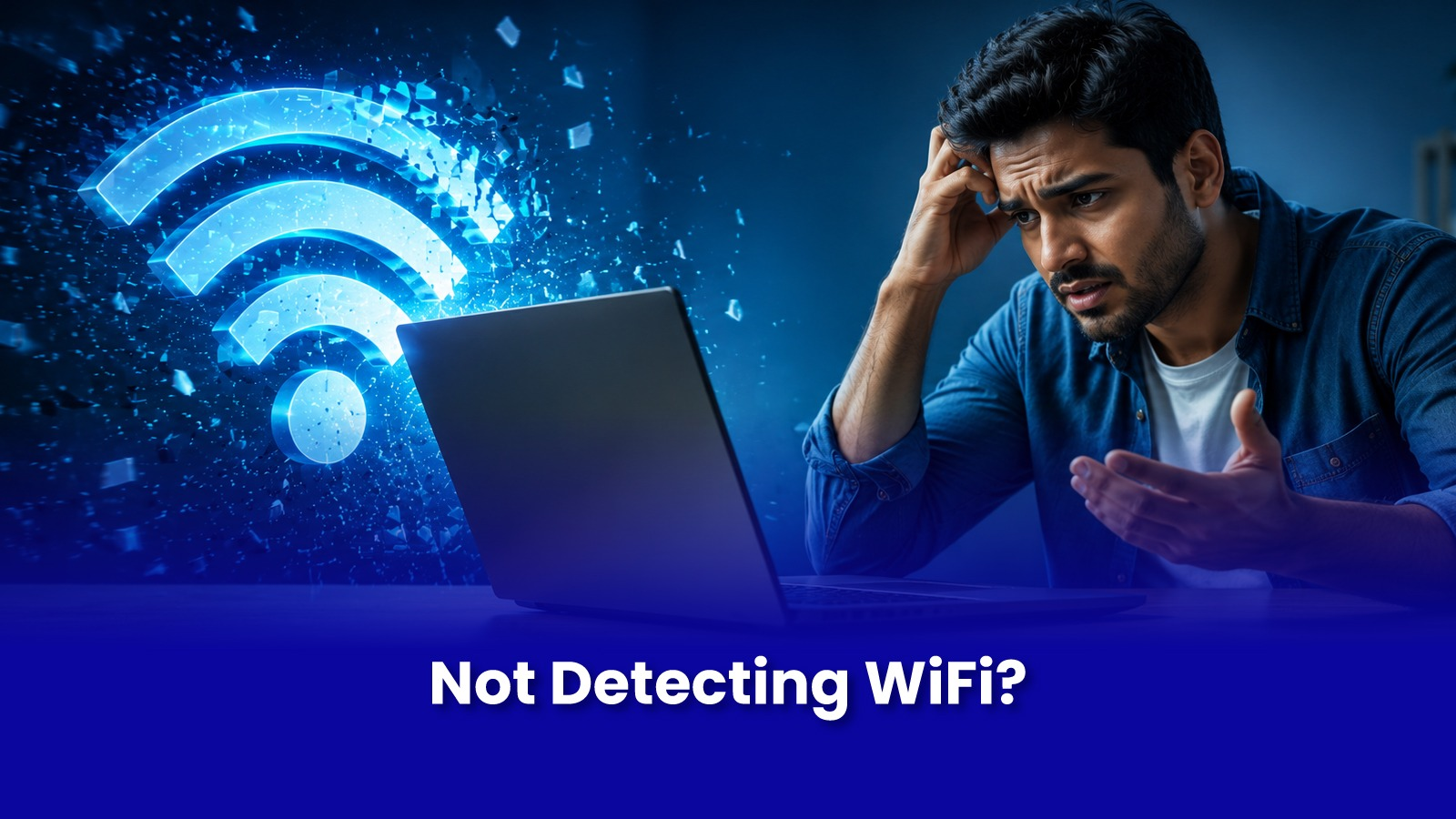
Your phone connects fine. Another laptop in the house connects fine. But this one laptop either can't see the network at all, or drops the connection every few minutes.
When every other device is fine on the same network, the problem is inside this specific laptop not the router, and not your internet plan.
How to Confirm It's the Laptop, Not the Network
- Check if a phone, tablet, or another laptop connects to the same WiFi normally at the same time and location.
- Move closer to the router if the laptop still fails to detect or holds the connection for under a minute, distance isn't the cause.
- Check Device Manager (Windows) under Network Adapters for a yellow warning icon next to the WiFi adapter.
The Two Real Causes Software and Hardware
- Driver-level fault- the WiFi adapter driver is outdated, corrupted, or was overwritten during a Windows update. Shows as WiFi working intermittently, or the adapter disappearing from Device Manager entirely after a restart.
- Hardware-level fault - the WiFi module itself, a small card inside the laptop, is physically failing. Shows as WiFi not detecting any networks at all, even ones nearby, regardless of driver reinstalls.
The distinction matters, because a driver fix takes minutes and costs nothing, while a module replacement is a hardware repair.
What to Try Before Booking a Repair
- Update or reinstall the WiFi adapter driver directly from the laptop manufacturer's website, not just via Windows Update.
- In Device Manager, right-click the WiFi adapter, choose Uninstall, then restart Windows reinstalls a fresh driver automatically.
- Check that airplane mode is off and, on models that have one, that the physical WiFi switch is fully on.
If none of this restores a stable connection, and the adapter doesn't reliably detect any network at all, the WiFi module itself likely needs replacement.
Doorstep WiFi Module Repair with Pockit
- On-site diagnostic distinguishing a driver fault from a hardware fault, using another known-good network to test.
- Driver-level fixes resolved in the same visit at no part cost.
- If hardware, a quality-matched WiFi module sourced for your exact model and replaced on-site.
- Connection stability tested over 15-20 minutes before the engineer leaves, not just a one-time connect.
Diagnostic starts at Rs.299; module replacement cost depends on the laptop model, confirmed before work begins.
Book a WiFi Diagnostic in Mumbai
Find Out If It's Drivers or Hardware
One laptop struggling with WiFi while everything else connects fine? Get it properly diagnosed instead of guessing. Diagnostic starts at Rs.299.
Call or WhatsApp: +91 92402 51266
Mon–Sun, 10 AM – 7 PM | Remote support 24/7
Serving Andheri, Powai, Goregaon, Bandra, Thane & all of Mumbai