

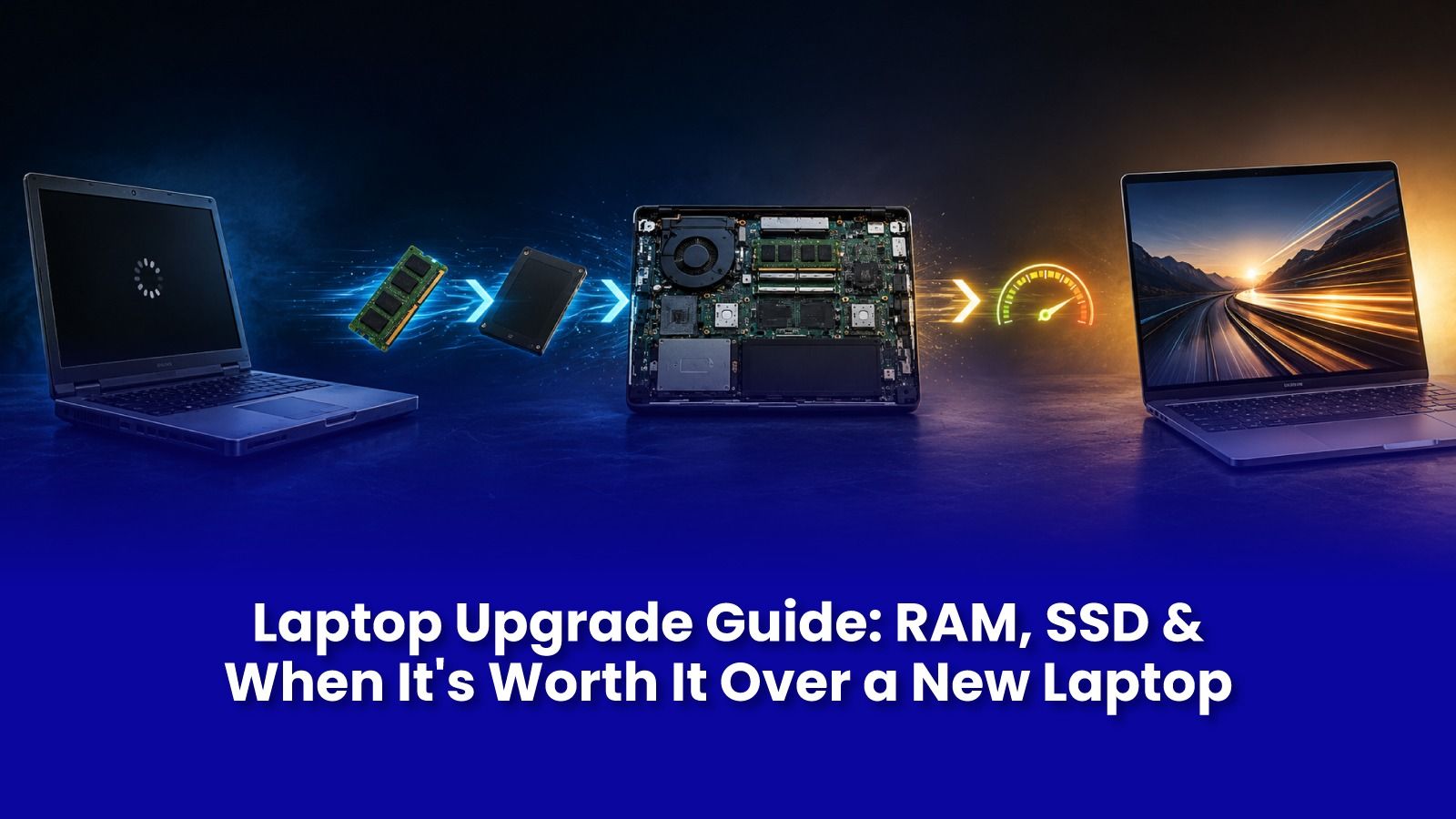
"My laptop is old" is usually the wrong diagnosis. Most of what makes a laptop feel slow after a few years comes down to just two components RAM and storage and both can usually be upgraded for a fraction of what a new laptop costs.
This guide breaks down which one actually fixes what, how to tell which you need, and when upgrading genuinely makes more sense than replacing the laptop.
RAM vs SSD, Which One Actually Fixes What
- RAM (memory) determines how many things you can have open at once Chrome tabs, Zoom, Excel without the system slowing down or freezing.
- Low RAM shows up as sluggishness specifically when multitasking, not when a single app is loading.
- SSD (storage) determines how fast apps open, files load, and Windows boots. An old HDD, or a nearly-full SSD, is the number one cause of a laptop that "takes forever to open anything."
- Adding RAM to a laptop still running on an HDD gives limited improvement, because the storage remains the bottleneck.
How to Tell Which Upgrade You Actually Need
- Open Task Manager, go to the Performance tab, if RAM usage sits above 80-90% during normal use, more RAM will help.
- Check whether the laptop still has a spinning HDD under Disk 0, moving to SSD is the single biggest upgrade available for almost any laptop.
- If boot takes over a minute and app icons take multiple clicks to respond, it's almost always storage, not RAM.
A Pockit engineer runs a quick diagnostic to check current RAM, storage type, and health before recommending anything, no upgrade is sold that won't visibly change how the laptop feels.
What a Doorstep Laptop Upgrade Includes
- Diagnostic of current RAM and storage, and a compatibility check for your exact laptop model.
- Genuine, compatible RAM modules or SSDs sourced and confirmed with you.
- On-site installation and full data migration from the old drive to the new SSD, no data loss, no reinstalling every app manually.
- A before-and-after performance test covering boot time and app-open time.
Laptop upgrade service starts at Rs.999 for a standard SSD or RAM upgrade with migration, confirmed after the diagnostic.
Is Upgrading Worth It, or Should You Just Buy a New Laptop?
If your laptop's processor is less than 5-6 years old, upgrading RAM and storage typically delivers 70-80% of the "feels like a new laptop" experience at a fraction of the cost of buying one without losing your files, licences, or settings. Processor-level slowness is the one thing an upgrade cannot fix, and a Pockit engineer will tell you honestly if that's the case.
Book a Laptop Upgrade in Mumbai
Make Your Laptop Feel New Again
RAM or SSD upgrade with full data migration, done at your doorstep. Starts at Rs.999, confirmed after a quick diagnostic of what your laptop actually needs.
Call or WhatsApp: +91 92402 51266
Mon–Sun, 10 AM – 7 PM | Remote support 24/7
Serving Andheri, Powai, Goregaon, Bandra, Thane & all of Mumbai