

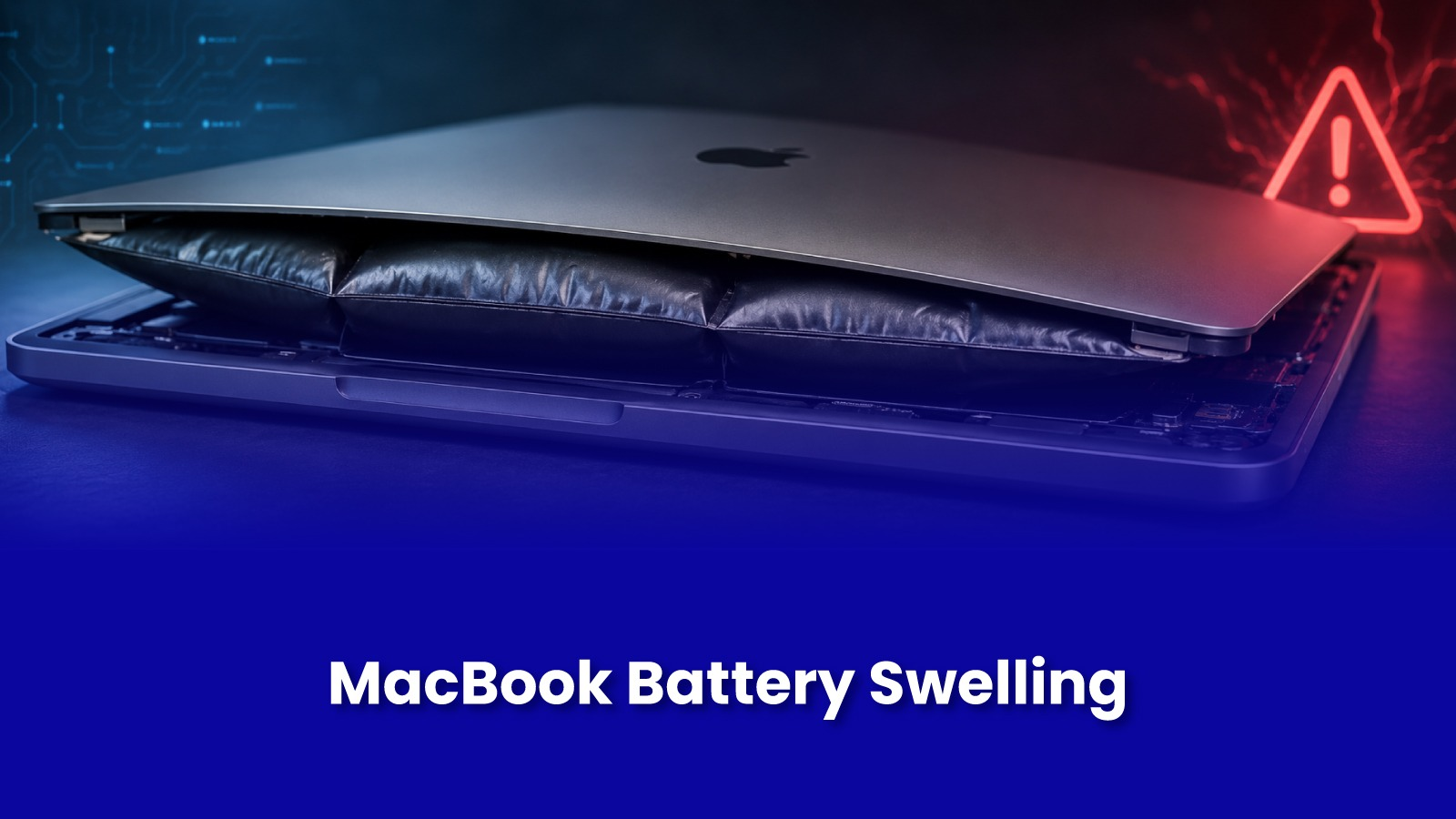
The trackpad suddenly feels stiff or clicks unevenly on one side. Or the laptop rocks slightly on a flat desk when it never did before.
These aren't trackpad or chassis problems on their own. They're usually the first visible sign of a swelling battery underneath and they're worth acting on immediately, not watching for a while.
Why This Happens, and Why It's More Common in India
Lithium-ion batteries swell when internal gases build up from chemical degradation a natural ageing process, but one that accelerates sharply with heat and full-charge storage. MacBooks left charging overnight on a bed or sofa, used directly on the lap for hours, or kept in a hot car or near a sunny window during Indian summers, degrade meaningfully faster than the same laptop in a cooler, ventilated setting.
Signs of a Swelling Battery - In Order of Severity
- Trackpad feels stiff, clicks only on one side, or has a slight gap around its edges.
- Bottom case no longer sits flat the laptop rocks slightly when placed on a hard surface.
- Visible gap or separation between the bottom case and the chassis, often near the trackpad or the front edge.
- Bottom case visibly bulging, or a battery casing that has clearly changed shape.
Any of these even just the trackpad symptom on its own is reason enough to stop using the MacBook until it's checked. A swollen battery is a genuine safety concern, not a cosmetic one.
What to Do the Moment You Notice This
- Stop charging the MacBook immediately and avoid further use if possible.
- Do not attempt to press down on the case or trackpad to "fix" the bulge physical pressure on a swollen cell is a real risk.
- Power it down fully rather than leaving it in sleep mode, and get it to a professional within a day or two, not weeks.
What Doorstep Battery Replacement Involves
- Visual and diagnostic confirmation of swelling and its severity.
- Safe removal of the swollen battery this requires care, since punctured swollen cells are a fire risk.
- Replacement with a quality-matched battery for your exact MacBook model.
- Chassis and trackpad checked and reseated properly, since swelling can slightly warp the surrounding case over time.
Replacement cost depends on the MacBook model, confirmed after the engineer inspects the extent of the swelling.
Book MacBook Battery Replacement in Mumbai
Don't Wait Once You Notice the Signs
Stiff trackpad, a laptop that rocks on the desk, or a visible gap in the case? Stop using it and get it checked immediately. Doorstep MacBook battery replacement across Mumbai.
Call or WhatsApp: +91 92402 51266
Mon–Sun, 10 AM – 7 PM | Remote support 24/7
Serving Andheri, Powai, Goregaon, Bandra, Thane & all of Mumbai