

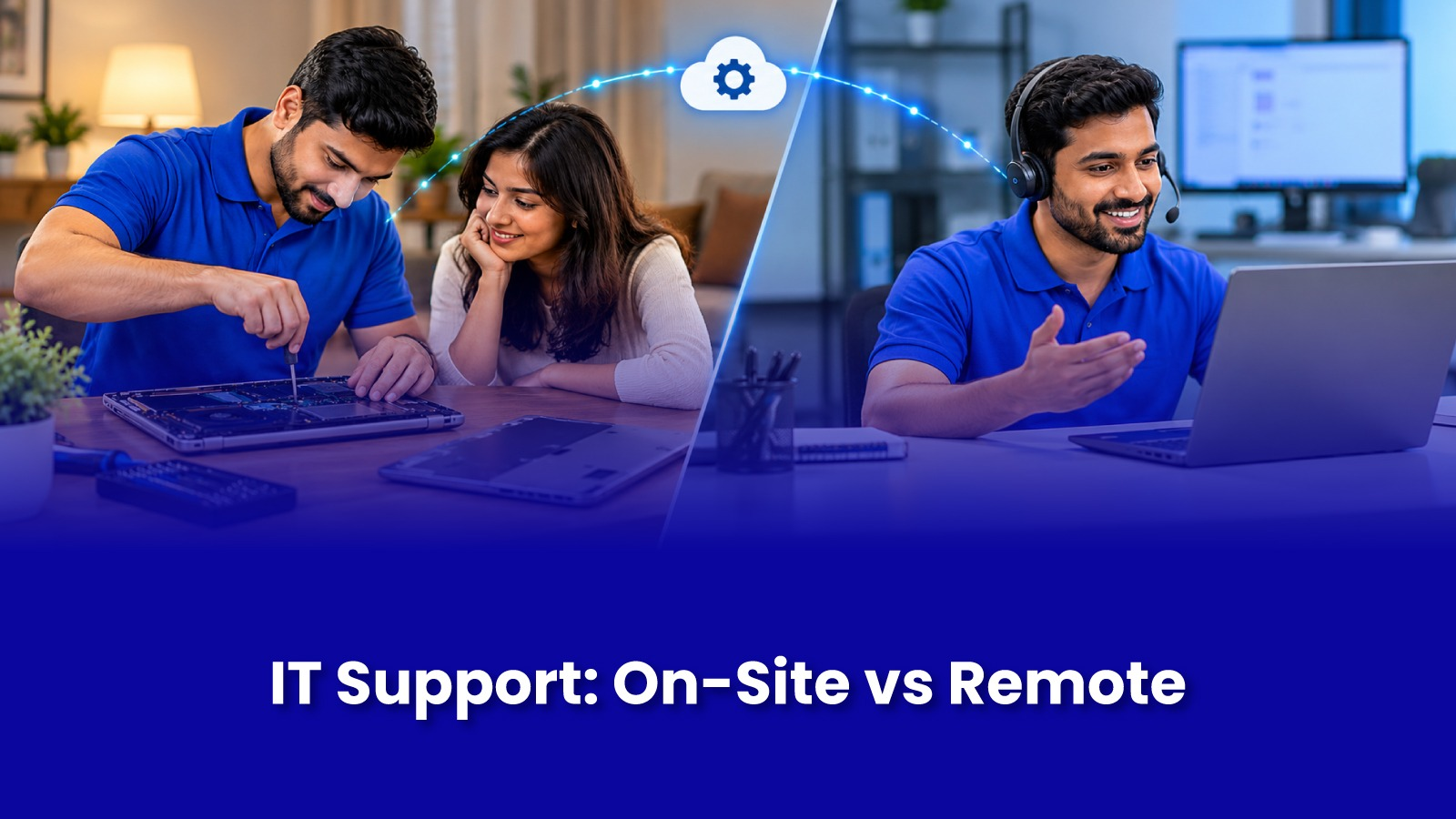
On-Site IT Support vs Remote Support: Understanding the Difference
When something stops working, most people do not care what the support model is called. They just want it fixed. But knowing the difference between remote support and on-site support helps you get the right help faster, and stops you from paying for a visit when a remote fix would do, or wasting an hour on a remote session for a problem that was always going to need someone in the room.
This guide explains what each type of IT support can and cannot do, where each one makes sense, and how to decide which one you need for your home or office in Mumbai.
What is remote IT support?
Remote support means a technician fixes the problem without being physically present. With your permission, they connect to your computer over the internet using screen-sharing or remote access software, see what you see, and work on the system from wherever they are. Sometimes it is simply a guided phone or video call where the technician walks you through the steps.
For remote support to work, two things are non-negotiable: the device needs to switch on and load the operating system, and it needs a working internet connection.
What remote support handles well
Software installation, updates, and licence activation.
Email setup and Outlook issues, such as a mailbox not syncing or a full inbox.
Printer driver installation and print queue problems, as long as the printer itself is working.
Removing unwanted software, adware, and basic virus clean-up.
Settings problems, user accounts, and password resets for business tools.
Walking someone less comfortable with technology, like a parent, through a task step by step.
What is on-site IT support?
On-site support means an IT technician comes to your home or office and works on the device or network in person. They can open the device, test parts, check cables, look at where your router is placed, and see the setup as it actually is, rather than through a screen.
What needs an on-site visit
A laptop or desktop that will not switch on, will not boot, or shows no display.
Physical damage, including broken screens, faulty keyboards, liquid spills, and charging port problems.
Hardware replacement such as batteries, SSDs, RAM, and fans.
Wi-Fi dead zones, router placement, cabling, and setting up a small office network.
Printer hardware faults like paper jams, roller wear, and print head issues.
CCTV installation and camera faults.
Setting up new laptops, desktops, or workstations and moving data across.
Any problem where the internet itself is down, because remote help needs a connection to work.
On-site vs remote support: a side-by-side look
Speed
Remote support can start within minutes since nobody has to travel. On-site support takes longer to begin, but once the technician is there, physical problems get diagnosed far faster. A remote session cannot tell you whether a laptop is dead because of the adapter, the battery, or the board.
Range of problems it can fix
Remote support is limited to software and settings on a device that is already working. On-site support covers both software and hardware, which makes it the safer option when you are not sure what the cause is.
Security and privacy
Remote access gives someone control of your computer, so it should only ever be granted to a provider you contacted yourself. Never install remote access software because of an unexpected phone call, pop-up, or message claiming your computer has a problem. This is one of the most common tech support scams in India. With on-site support, you can see exactly what the technician is doing, and your device does not leave your home or office.
Who it suits
Remote support suits people who are comfortable following instructions on screen and have a quick software issue. On-site support suits people who would rather hand the problem over completely, elderly family members, small offices without an IT person, and anyone dealing with hardware or network issues.
How to decide which one you need
Ask yourself three quick questions.
Does the device switch on and load normally? If not, you need someone on site.
Is the internet working? If the problem is the internet, remote help cannot reach you.
Is something physically wrong, such as a noise, a smell, visible damage, or a spill? That is a hardware problem, and it needs hands on the device.
If the answer to all three points towards software, remote support may be enough. If any one of them points towards hardware or the network, book an on-site visit and save yourself the back and forth.
Why many small offices in Mumbai prefer on-site support
Most small businesses, clinics, CA firms, and shops in Mumbai do not have a full-time IT person. When something breaks, the problem is rarely isolated. The printer is not connecting because the Wi-Fi has dropped. The Wi-Fi has dropped because the router is overheating in a cabinet. A remote session would fix one piece of that chain. An IT technician on site sees the full picture and fixes the actual cause.
On-site support also means one person handles laptops, desktops, printers, Wi-Fi, and CCTV in a single visit, instead of calling separate vendors for each.
On-site IT support from Pockit Engineers
Pockit Engineers sends verified, background-checked IT technicians to homes and offices across Mumbai. You book through the app, track your technician live, and see the price before any work starts. Whether it is a laptop that will not boot, office Wi-Fi that keeps dropping, or a printer that has given up before a deadline, the technician comes to you and fixes it on the spot wherever possible.