

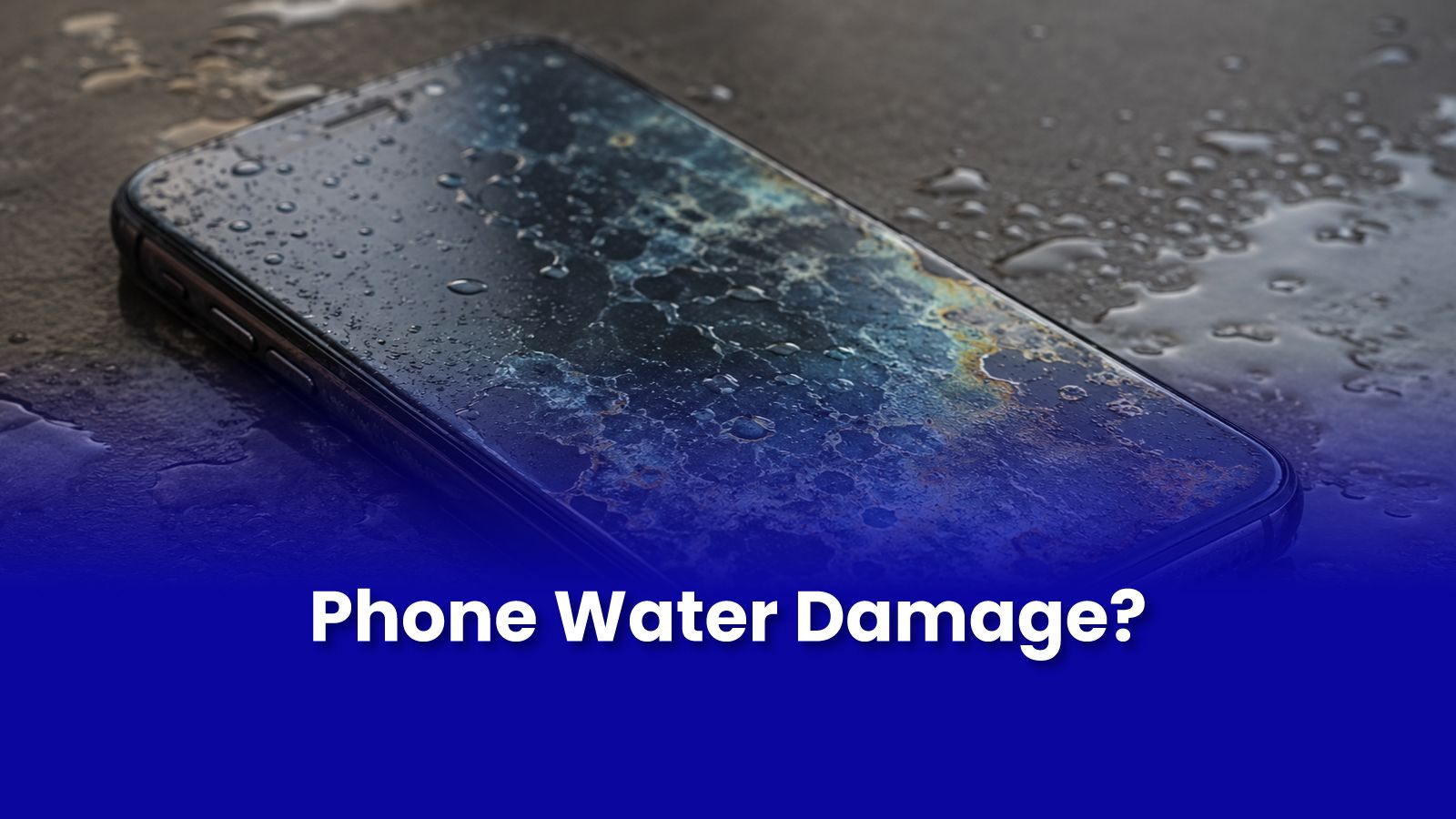
Your phone just fell in water. Toilet, puddle, bucket, monsoon downpour it does not matter where. What matters is the next 30 minutes. Most phone water damage is survivable if you act correctly. Most people do not.
The First 5 Minutes: The Most Critical Window
- Take it out of water immediately. Every extra second of submersion increases the amount of water that reaches internal components.
- Power it OFF. Do not check if it is working. Do not swipe the screen. Press and hold the power button and shut it down completely.
- Remove the SIM card tray and SD card. These create entry points for water into the device.
- Shake the phone gently face-down. Gravity helps expel water from the charging port, speaker grille, and headphone jack.
- Remove your phone case if it has one water can trap inside the case and keep the device in prolonged contact with moisture.
What NOT to Do These Make It Worse
- Do not put it in rice. Rice is ineffective compared to silica gel and wastes critical drying time. Starch particles also enter ports.
- Do not use a hair dryer. Concentrated heat melts internal adhesives and damages plastic components before moisture has been expelled.
- Do not charge it. Water conducts electricity. Plugging in a wet phone causes short circuits that can destroy components that were previously undamaged.
- Do not press the power button repeatedly to test if it is working. Every power-on attempt with moisture present risks a short circuit.
- Do not blow air directly into ports. This pushes surface water deeper into the device.
What Actually Works
- Silica gel packets available at pharmacies, hardware stores, and shoe shops sealed in a bag with the phone for 24-48 hours. Significantly more effective than rice.
- Leave powered off for minimum 48 hours before testing. Less than that and you risk short-circuiting remaining moisture.
- Professional ultrasonic cleaning the most effective post-submersion treatment. Removes corrosion from circuit boards that silica gel cannot reach.
Understanding IP Ratings: What They Actually Mean
IP67 means the phone can withstand submersion to 1 metre for 30 minutes in fresh water. IP68 extends this to 1.5-2 metres. But:
- IP ratings do not apply to salt water, pool water, or chlorinated water all of which are corrosive to internal components.
- IP seals degrade with age and drops. A phone that was IP68 when new may have compromised seals after 2 years of use.
- IP ratings do not cover high-pressure water rain, shower spray, or being dropped into a fast-moving stream exceeds the test conditions.
When to Take It to a Professional
If the phone shows any sign of moisture damage after drying flickering screen, distorted audio, random restarts, charging issues take it to a professional before powering on further. Corrosion begins within hours of water exposure and progresses faster in Mumbai's humidity. The repair success rate drops with each day you wait.
Get Expert Tech Support in Mumbai Today
Phone got wet? Do not wait. Get a professional assessment before corrosion sets in. Pockit diagnostic starts at Rs.299. On-site device repair available across Mumbai.
Call or WhatsApp: +91 92402 51266
Mon–Sun, 10 AM – 7 PM | Remote support 24/7
Serving Andheri, Powai, Goregaon, Bandra, Thane & all of Mumbai