

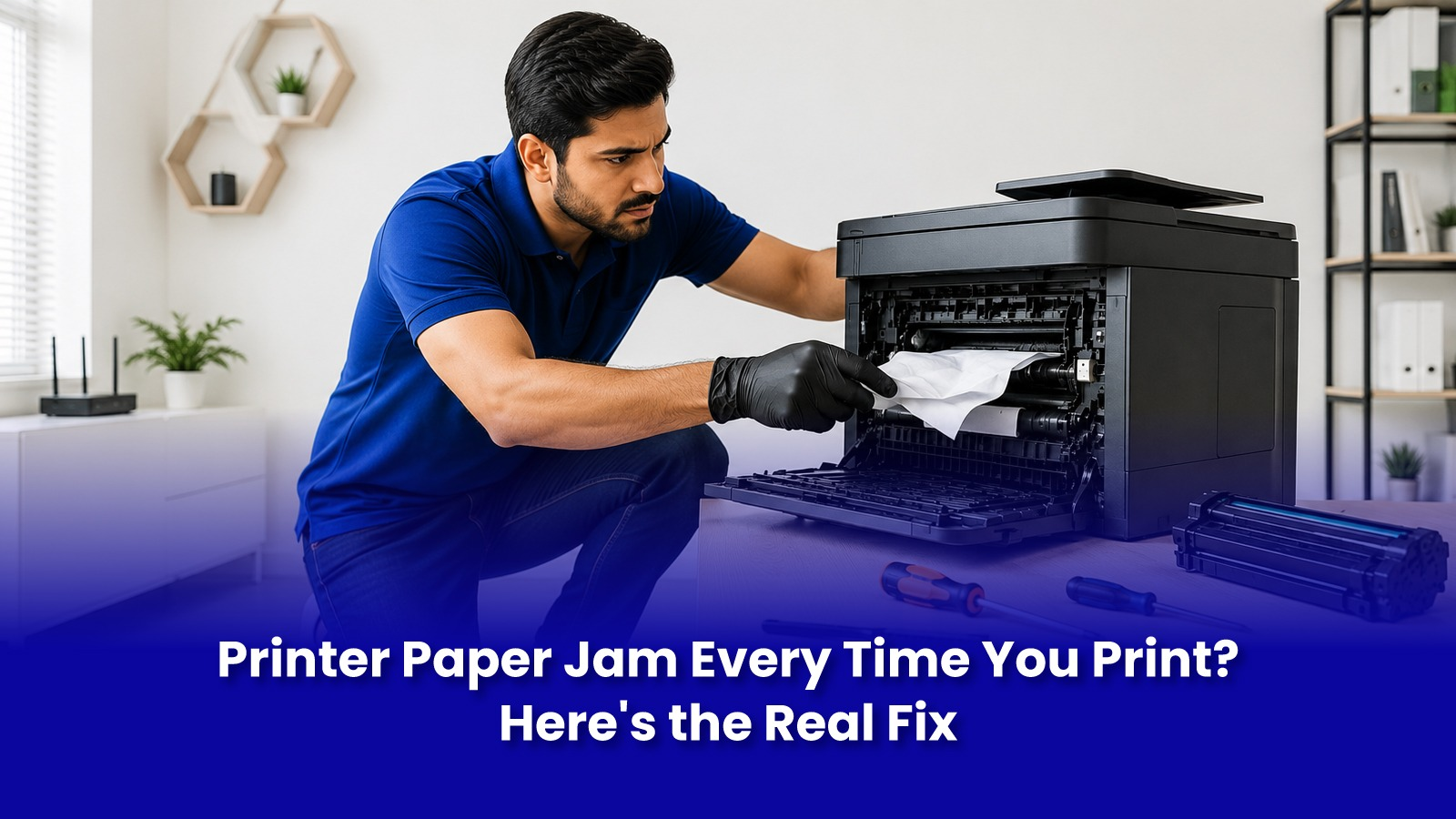
One jam is annoying. A jam on every single print job is a pattern and it means something inside the printer has actually worn out, not that you're loading paper wrong.
Before you start fanning paper differently or blaming the tray for the tenth time, here is what's really going on inside a printer that jams on repeat.
One-Off Jam vs Repeating Jam, Different Problems
- An occasional jam caused by dust, humidity, or a slightly misaligned stack is normal and not a sign of a fault.
- A jam at the exact same point on every print job points to mechanical wear, not paper handling.
- A jam that always happens in the fuser area on a laser printer usually means fuser roller wear, not a paper issue.
- A jam accompanied by a grinding sound means a roller or gear has physically cracked or worn smooth.
What's Actually Causing the Jam
- Worn pickup rollers glazed and smooth after 2-3 years of heavy use, are the single most common cause, especially in Mumbai's humid, dusty air.
- A worn separation pad causes multiple sheets to feed at once, which then jam together.
- Debris from earlier jams, small torn bits of paper stuck deep in the paper path, invisible without opening the internal panels.
- Humidity-swollen paper, reams stored in the open during monsoon absorb moisture and jam constantly, even in a perfectly healthy printer.
- Fuser assembly wear on laser printers, especially after 15,000-20,000 pages.
Fixes You Can Try Before Booking a Repair
- Store paper in a sealed ream, not open trays, especially between June and September.
- Fan and re-square the paper stack before loading it.
- Clean the visible rollers gently with a lint-free cloth and a little isopropyl alcohol.
- Reduce the tray to about three-quarters capacity if the printer is a few years old.
If jams continue on the exact same page after trying this, the rollers or separation pad need replacement. This is a hardware job, not a settings fix.
Doorstep Paper Jam Repair with Pockit
- Diagnostic to identify whether it's the rollers, the separation pad, or the fuser causing the repeated jam.
- Genuine or quality-matched parts sourced and confirmed with you.
- On-site roller or pad replacement and a full paper-path clean, most jobs completed in 30-45 minutes.
- A test print run using different paper weights before the engineer leaves, to confirm the fix holds.
Printer paper jam repair with Pockit starts at Rs.599, confirmed after diagnosis.
Book Printer Jam Repair in Mumbai
Stop Fighting Your Printer Before Your Next Deadline
A printer that jams on every page eats time you don't have before a deadline. Get it diagnosed and fixed at your doorstep. Printer jam repair starts at Rs.599, confirmed before work begins.
Call or WhatsApp: +91 92402 51266
Mon–Sun, 10 AM – 7 PM | Remote support 24/7
Serving Andheri, Powai, Goregaon, Bandra, Thane & all of Mumbai