

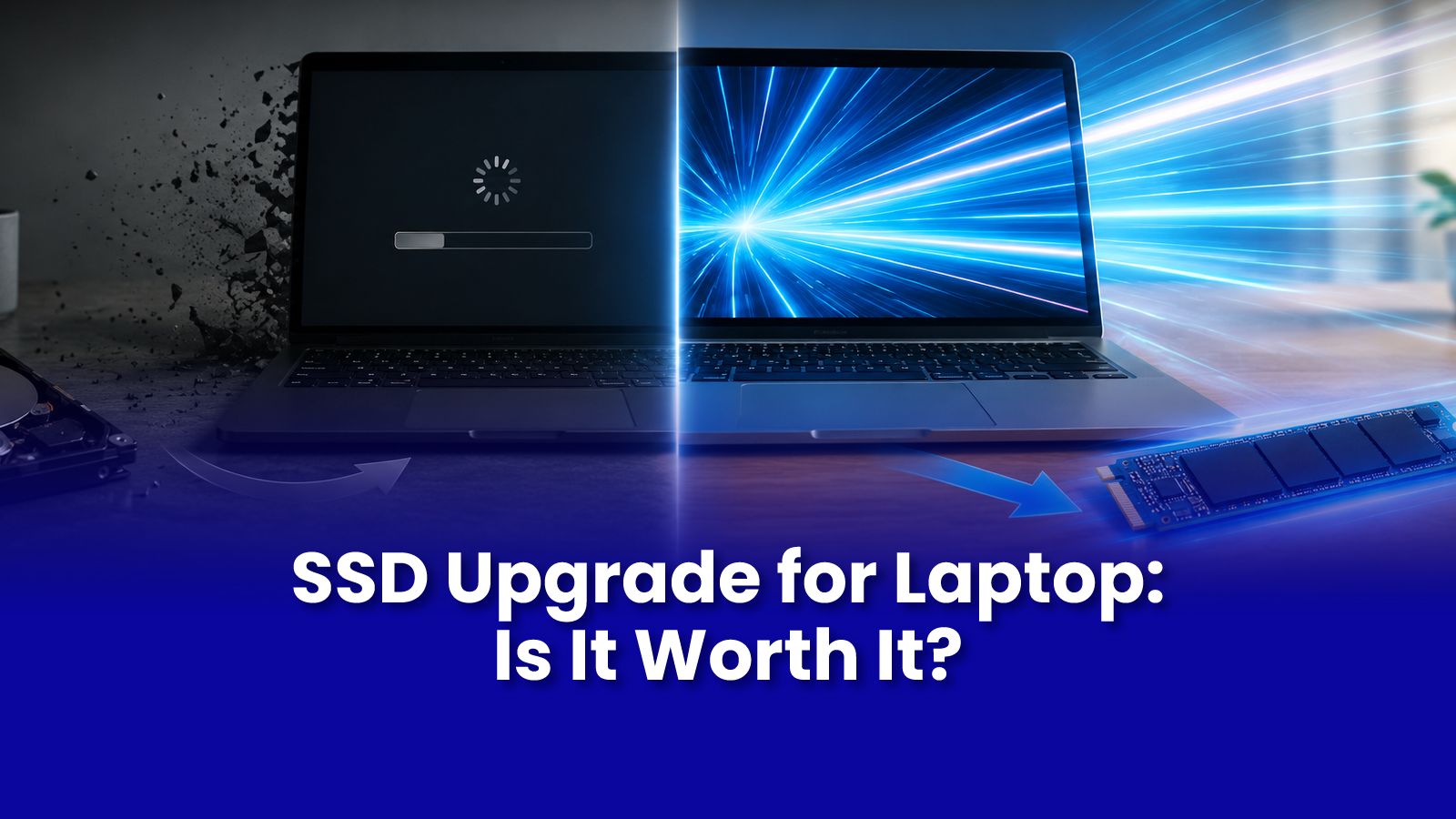
Your laptop is 3, 4 years old, runs on a mechanical hard drive, and takes 4 minutes to boot. Before spending Rs.40000 on a new one a Rs.4000-6000 SSD upgrade might give you a laptop that feels entirely new. Here is the honest version of what that involves.
HDD vs SSD: What Is Actually Different
A mechanical hard drive (HDD) stores data on spinning magnetic platters read by a physical head. This is inherently slow startup requires physically spinning up to speed and physically seeking data across the disk surface.
A solid-state drive (SSD) stores data on flash memory chips with no moving parts. Access is near-instantaneous. The result:
- Boot time: 3-4 minutes on HDD versus 12-20 seconds on SSD on the same hardware
- Application loading: 5-10 times faster for most common applications
- File transfers and saves: dramatically faster, especially noticeable in large files
- General responsiveness: clicking, switching apps, browsing all feel faster
What Laptops Can Be Upgraded with an SSD
- SATA SSD slot: most laptops from 2012-2019 have a 2.5-inch SATA bay that accepts a standard SATA SSD upgrade.
- M.2 NVMe slot: most laptops from 2018 onwards have an M.2 slot that accepts faster NVMe SSDs.
- Some laptops have both, SATA bay and M.2 slot, and can have storage added rather than replaced.
- Some ultrabooks and newer MacBooks have storage soldered directly to the motherboard and cannot be upgraded. A Pockit engineer confirms compatibility during the remote diagnostic.
What Happens to Your Data During an SSD Upgrade?
Pockit engineers clone your existing drive to the new SSD before the swap. This means your operating system, every installed application, all your settings and personalisation, and all your files transfer exactly as they are nothing is reinstalled from scratch and nothing is lost.
Windows activation transfers with the clone on most modern installations tied to your Microsoft account. If activation issues arise after the swap, they are resolved as part of the service.
After the Upgrade: What to Expect
- Boot time drops to under 20 seconds on most systems
- Application launch times improve immediately and noticeably
- Battery life often improves slightly SSDs draw less power than spinning hard drives
- The laptop runs cooler no spinning motor means less heat generated by the storage component
An SSD upgrade alone will not fix every slowness issue. If your laptop has only 4 GB of RAM, adding RAM alongside the SSD gives the maximum performance improvement. A Pockit engineer will assess both and recommend accordingly.
Get Expert Tech Support in Mumbai Today
Slow laptop? SSD upgrade and data migration done at your doorstep in under 2 hours. Most laptops made before 2021 are eligible. Remote diagnostic starts at Rs.299.
Call or WhatsApp: +91 92402 51266
Mon–Sun, 10 AM – 7 PM | Remote support 24/7
Serving Andheri, Powai, Goregaon, Bandra, Thane & all of Mumbai